

Version 2026.9.0 of Expenses has been released. It’s the biggest update so far, so here is an overview of what’s included in this version.
AI assistant
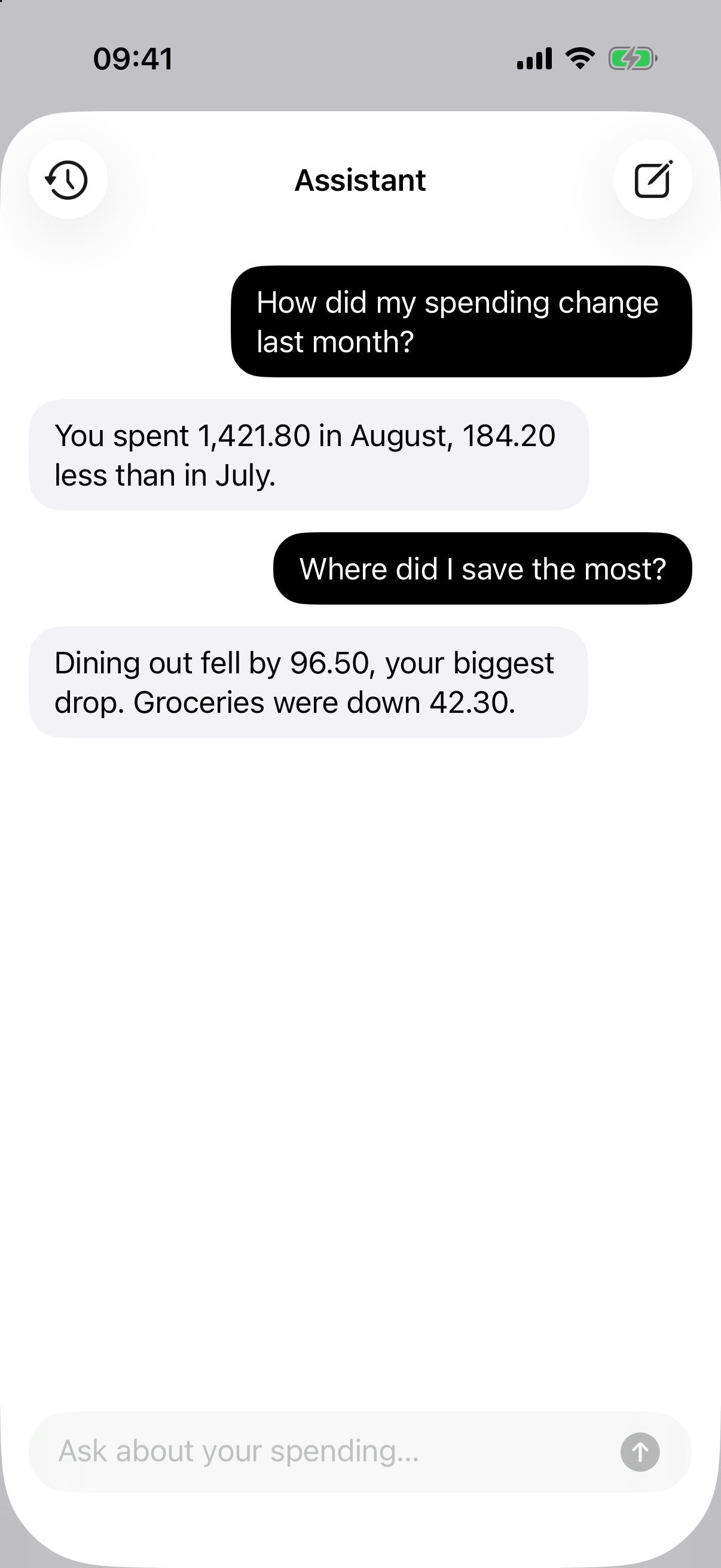
You can now ask questions about your finances in plain language: “How did my spending change last month?”, “Where did I save the most?” or “How much did I spend on groceries?”. Tap the sparkles button in the Analytics tab to open the assistant.
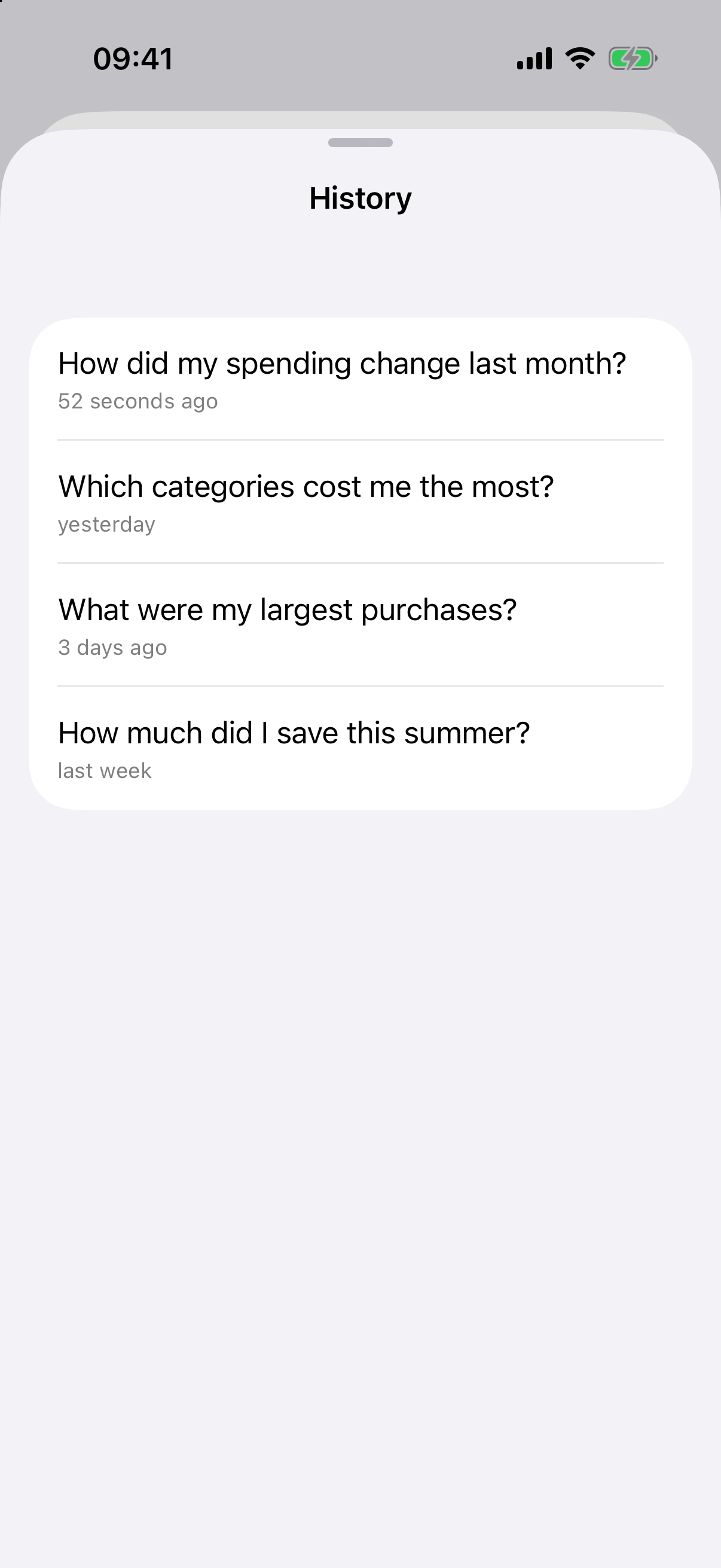
Answers are generated on your device with Apple Intelligence, so your data is never sent to a server to answer your questions. Below each answer you’ll find the transactions, accounts and categories it refers to, and your conversations are saved in the history. The assistant requires a device that supports Apple Intelligence, with Apple Intelligence turned on.
Redesigned Analytics
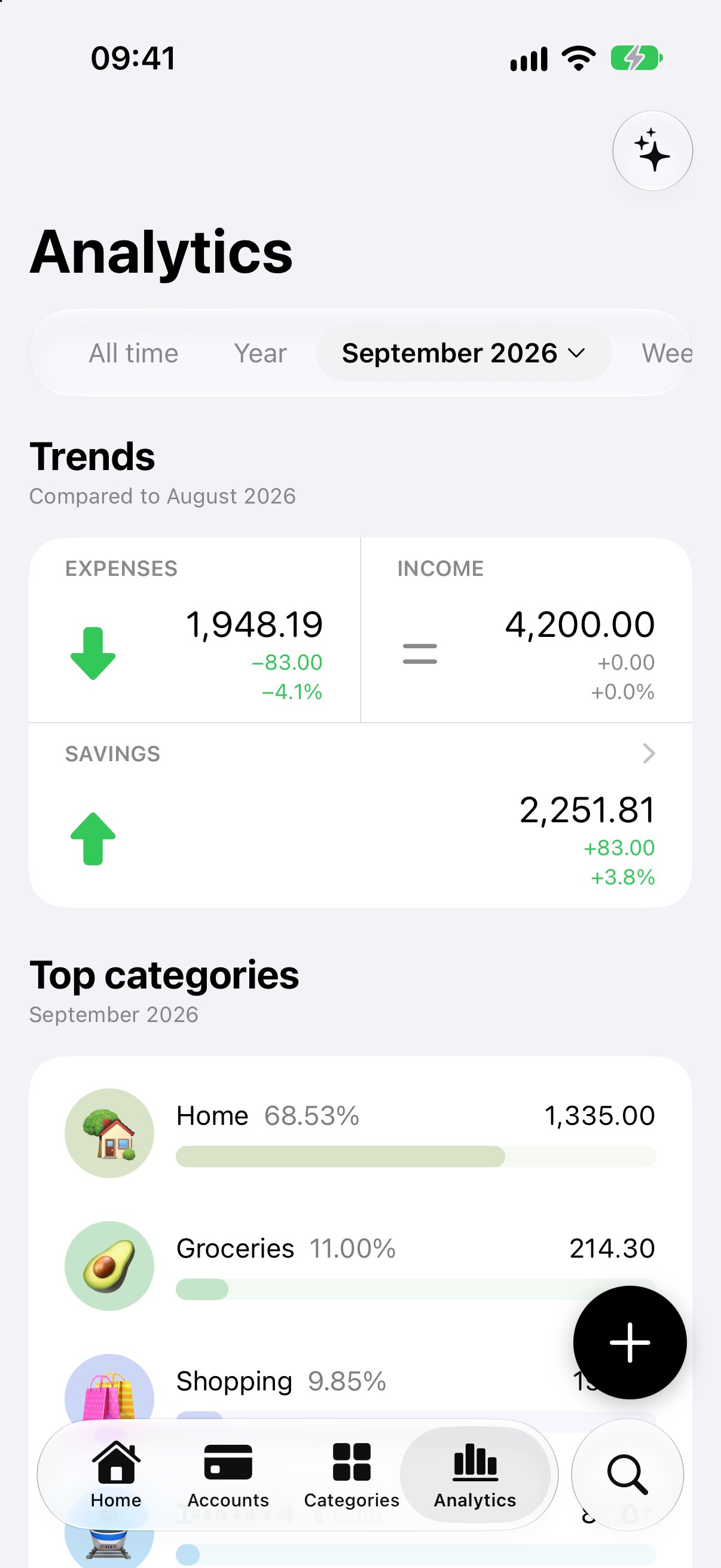
The Analytics tab now has a time period selector at the top: choose all time, a year, a month, a week or a custom range, and move back and forth between periods. Expenses, income and savings are compared with the previous period. If the current period isn’t over yet, it is compared with the same number of days of the previous one, so the comparison stays fair.
Reports
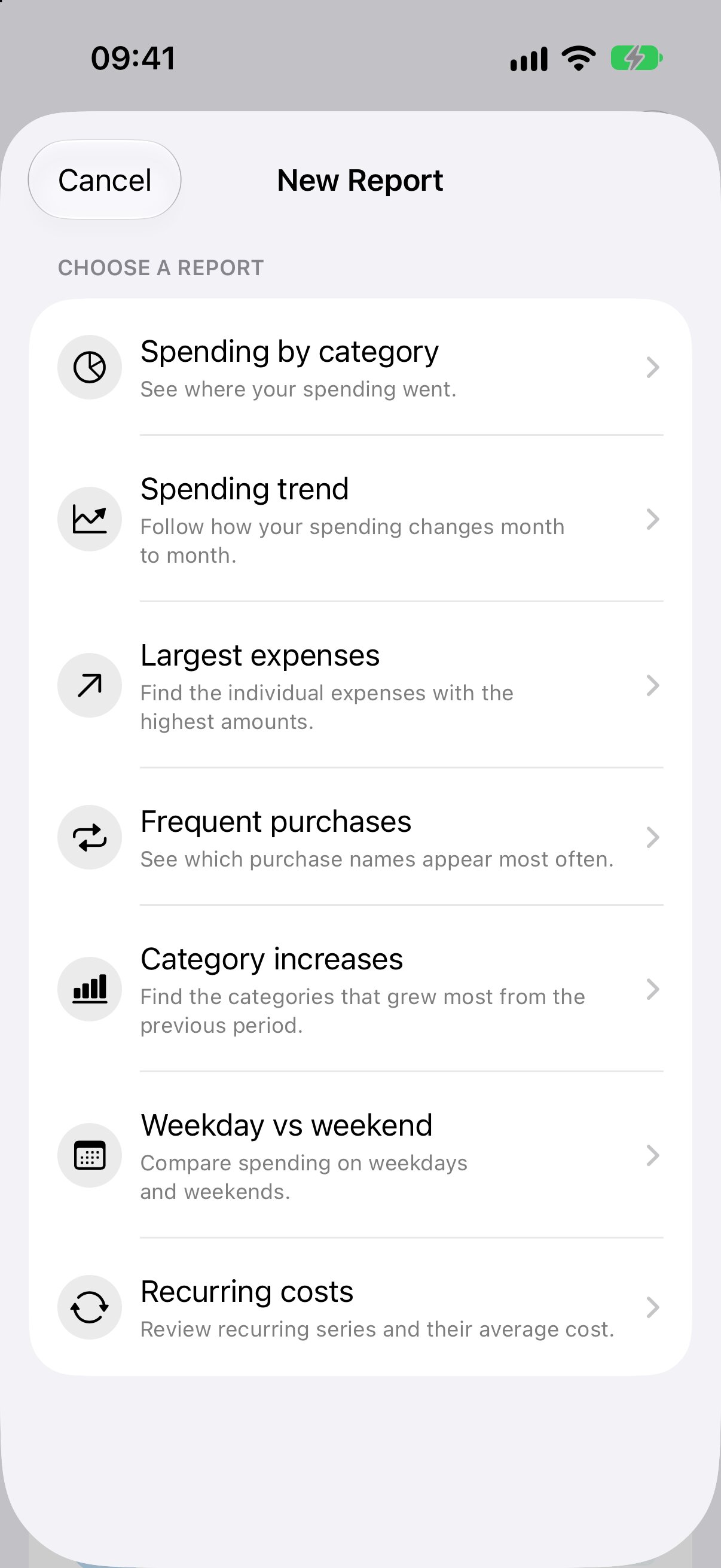
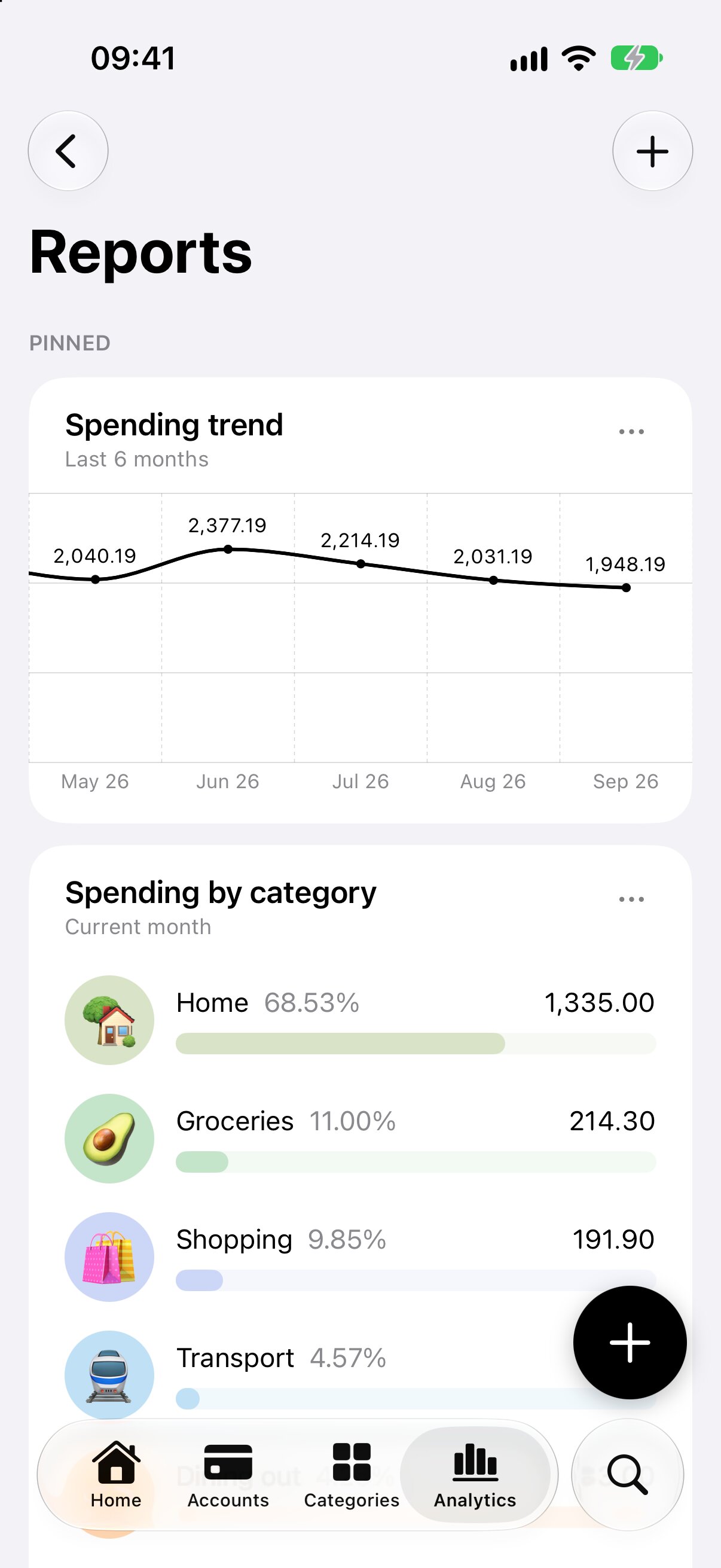
Reports let you answer your own questions about your money. Start from one of the ready-made reports (spending by category, spending trend, largest expenses, frequent purchases, category increases, weekday vs weekend and recurring costs), then choose the period and filter by accounts and categories while the preview updates. Saved reports are recalculated every time you open them. Pin your favorites to see them in the Analytics tab. Reports are also included in JSON backups.
Transactions from screenshots
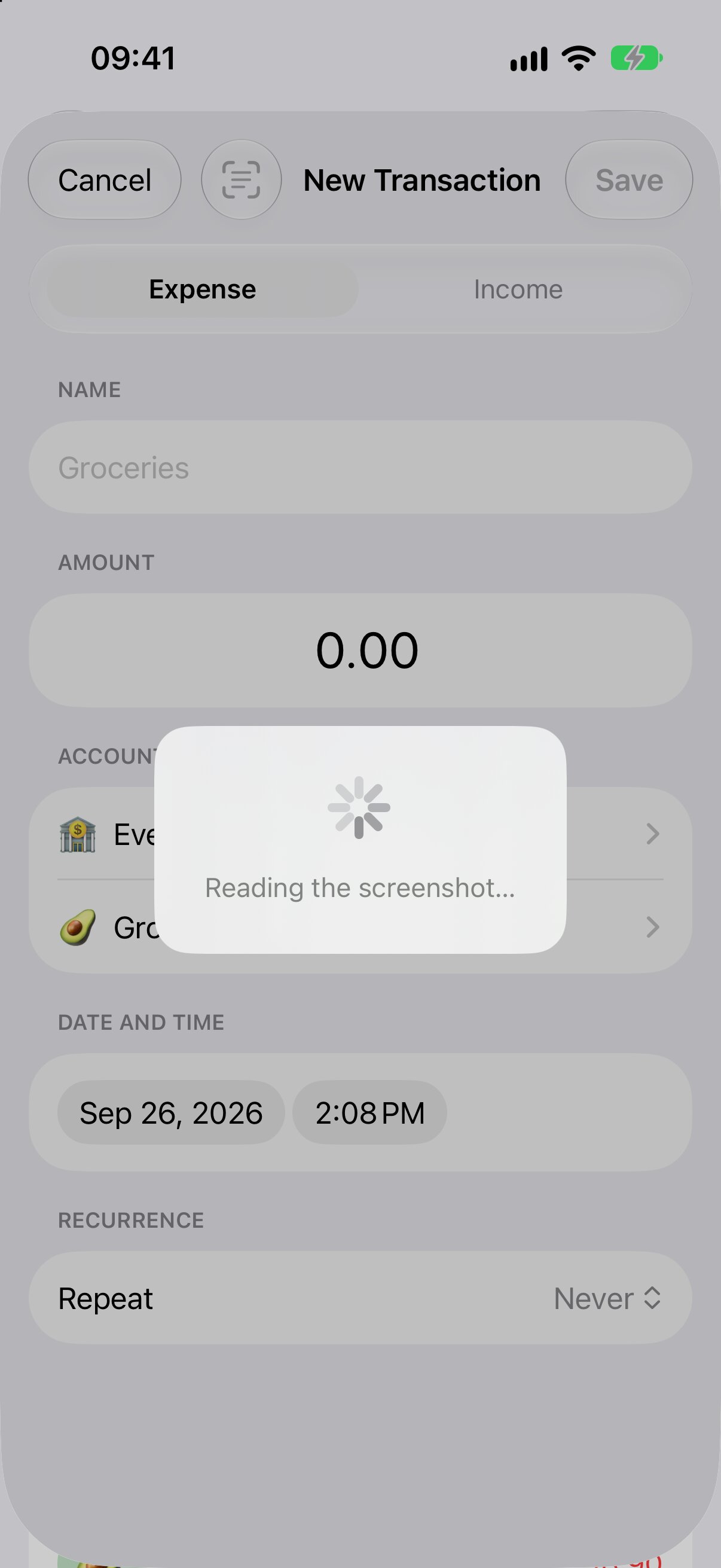
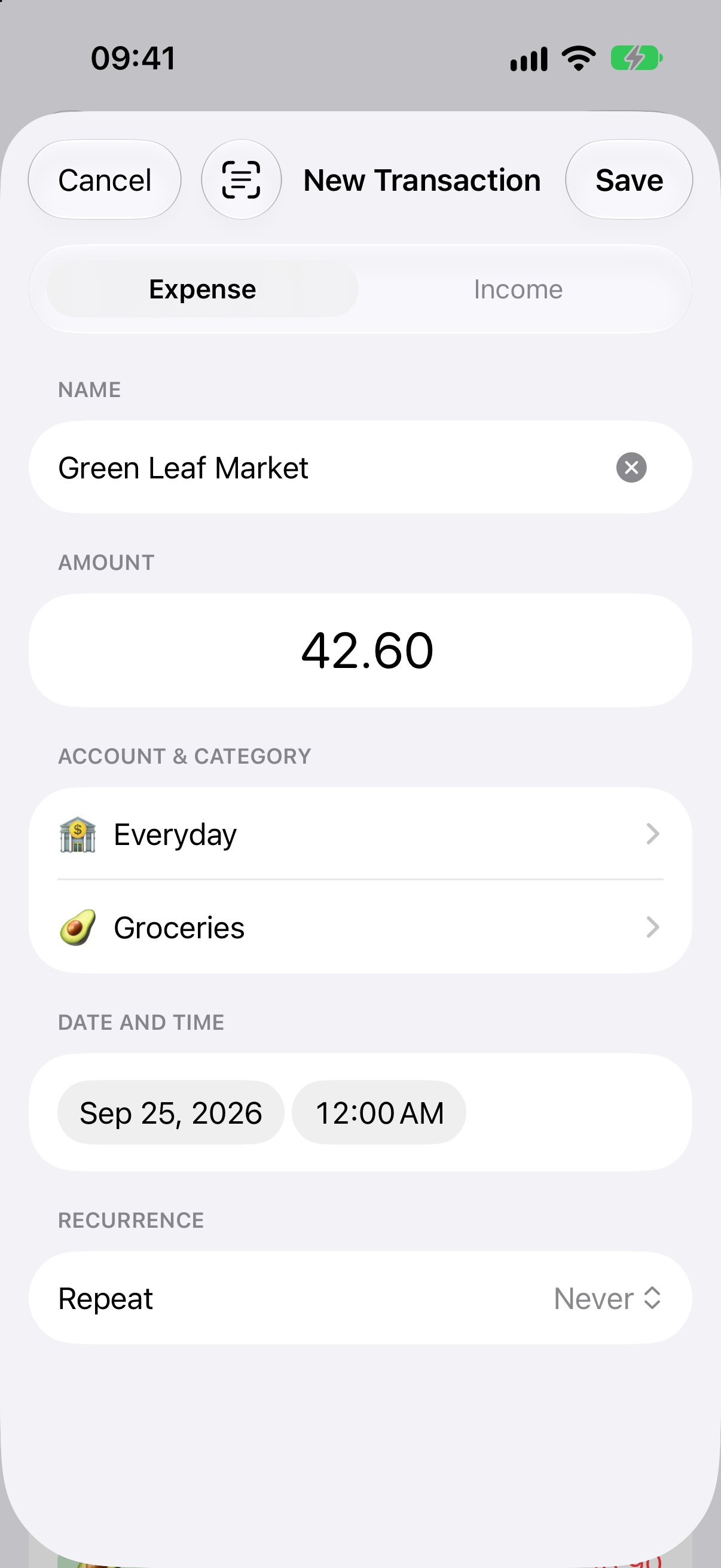
Less typing: tap the scan button in the transaction form and pick a payment screenshot or a receipt photo. The text is read on your device, and the name, amount and date are filled in for you. You can also share a screenshot to Expenses from any other app to create the transaction without opening Expenses.
Multiple selection
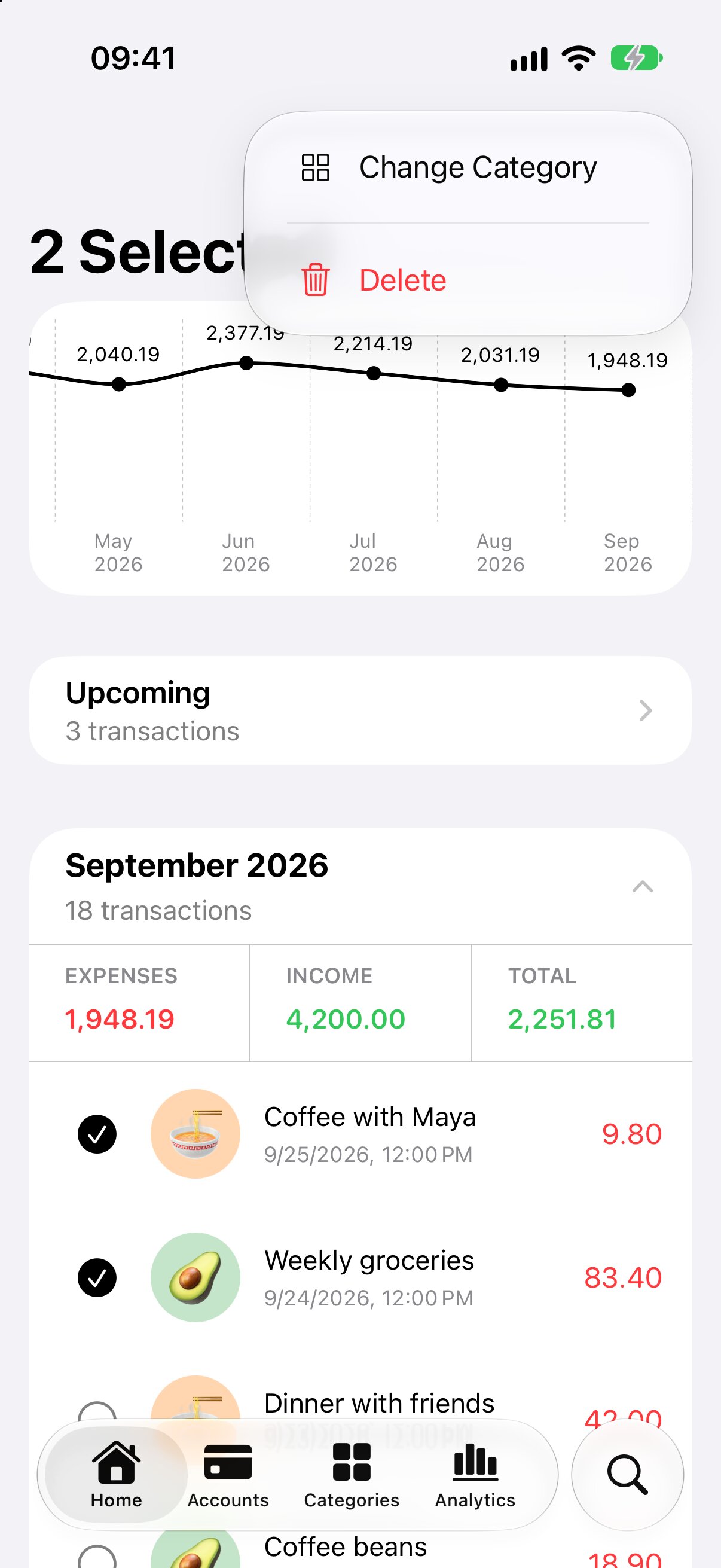
Tap Select in the Home tab to select several transactions at once, then change their category or delete them in one go.
Categories as cards and search filters
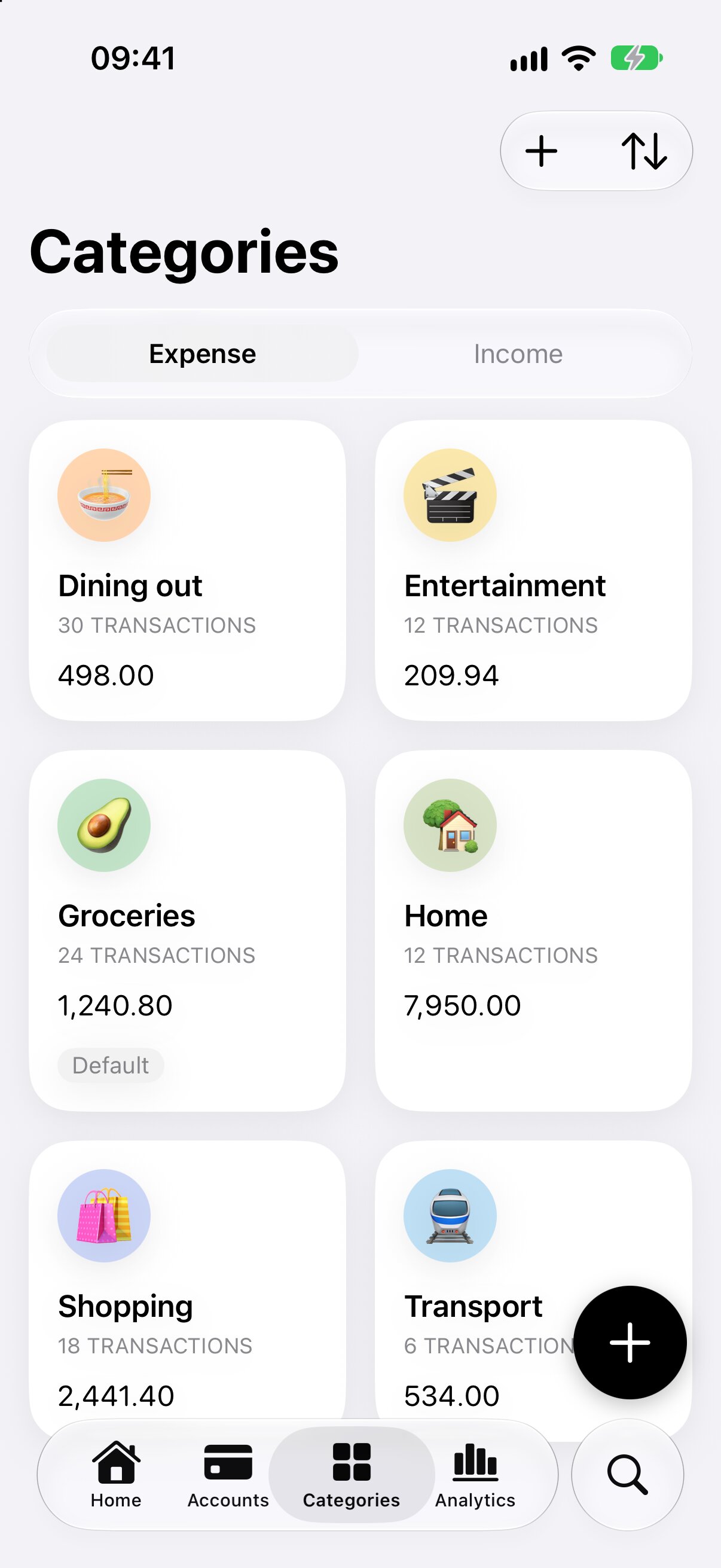
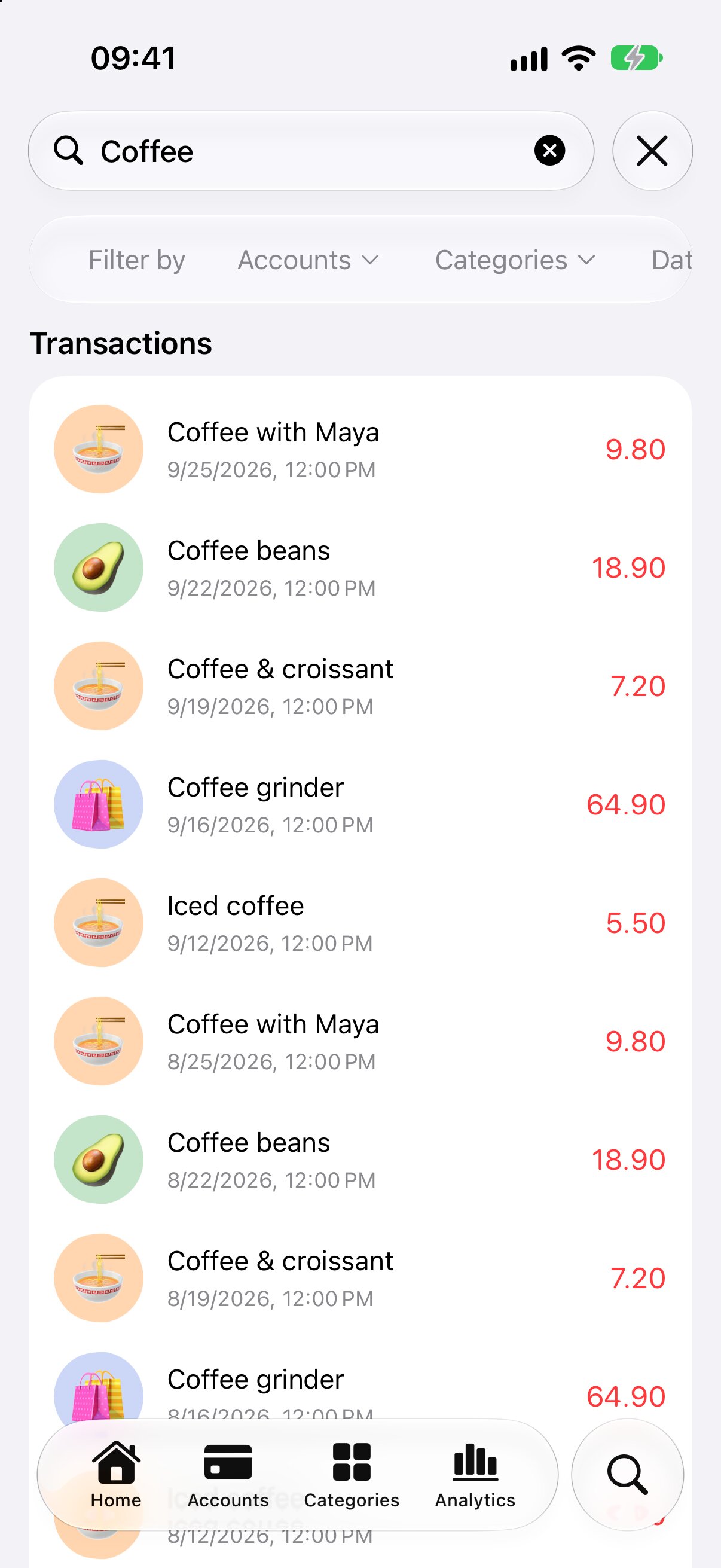
Categories are now shown as cards in a grid, with their total and number of transactions. Search can now filter results by account, category and date, and shows matching transactions, accounts and categories together.
Fixes & Improvements
- Fixed random crashes that could happen while syncing with iCloud
- Fixed recurring transactions that could skip a period or end an open-ended series
- The Savings figures for the last 6 and 12 months now include the current month
- Fixed deletion of accounts and categories
- Improved Analytics performance and many small UI fixes