



App icon
Effective Expenses
A minimal, easy-to-use, yet powerful expense and income tracker.
Go to App Store
Effective Expenses screenshot 1Effective Expenses screenshot 2Effective Expenses screenshot 3

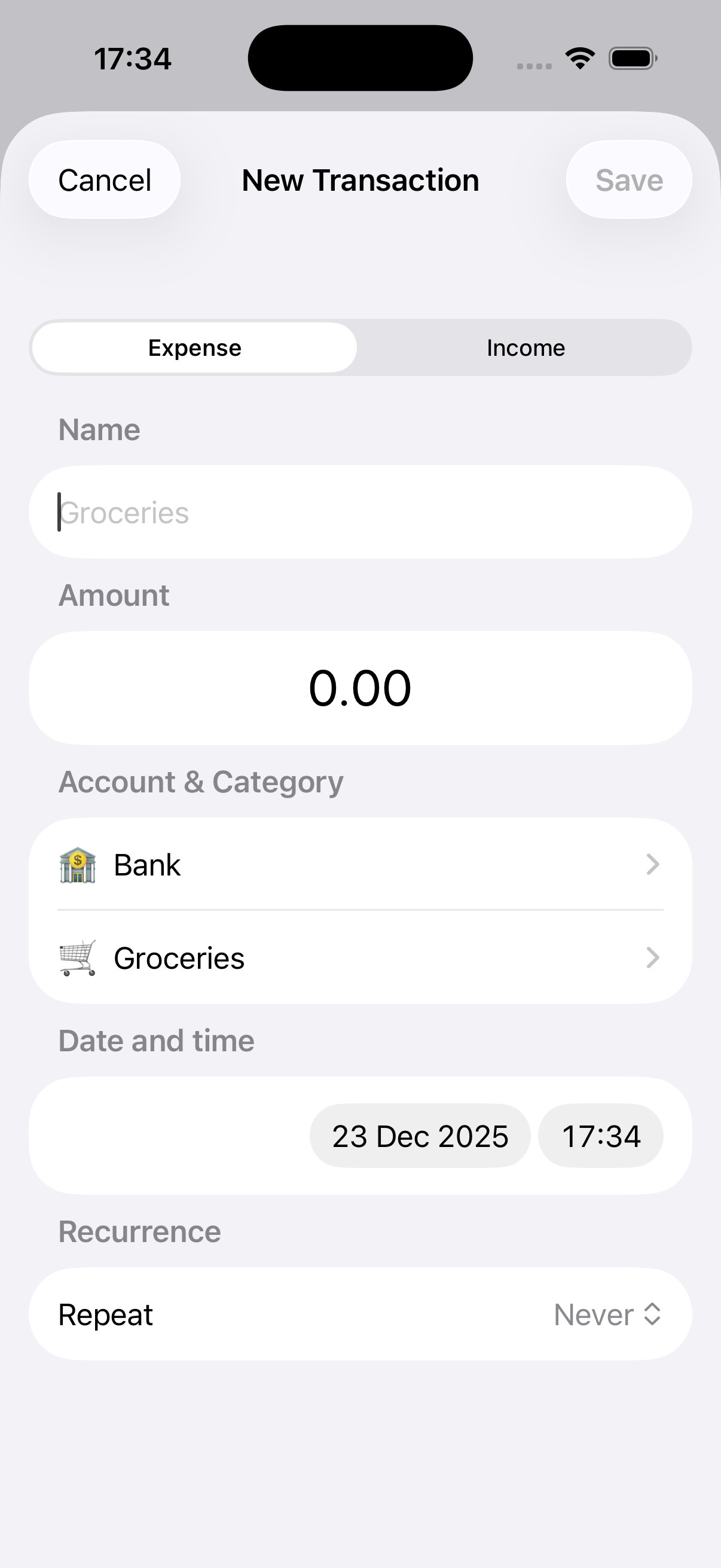
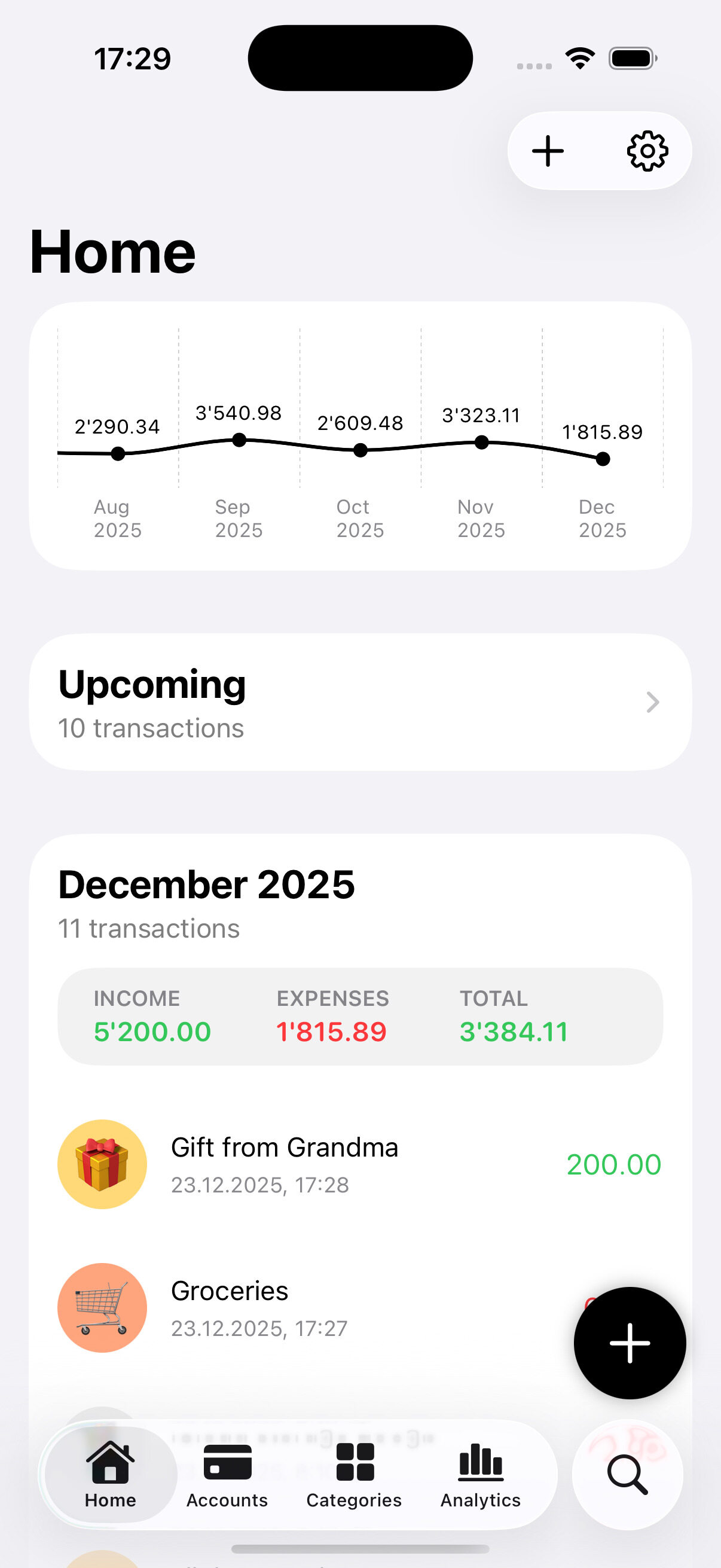
Expense & Income Tracking

Whether it's a cup of coffee or your monthly salary, easily log and manage expenses and income in one place.
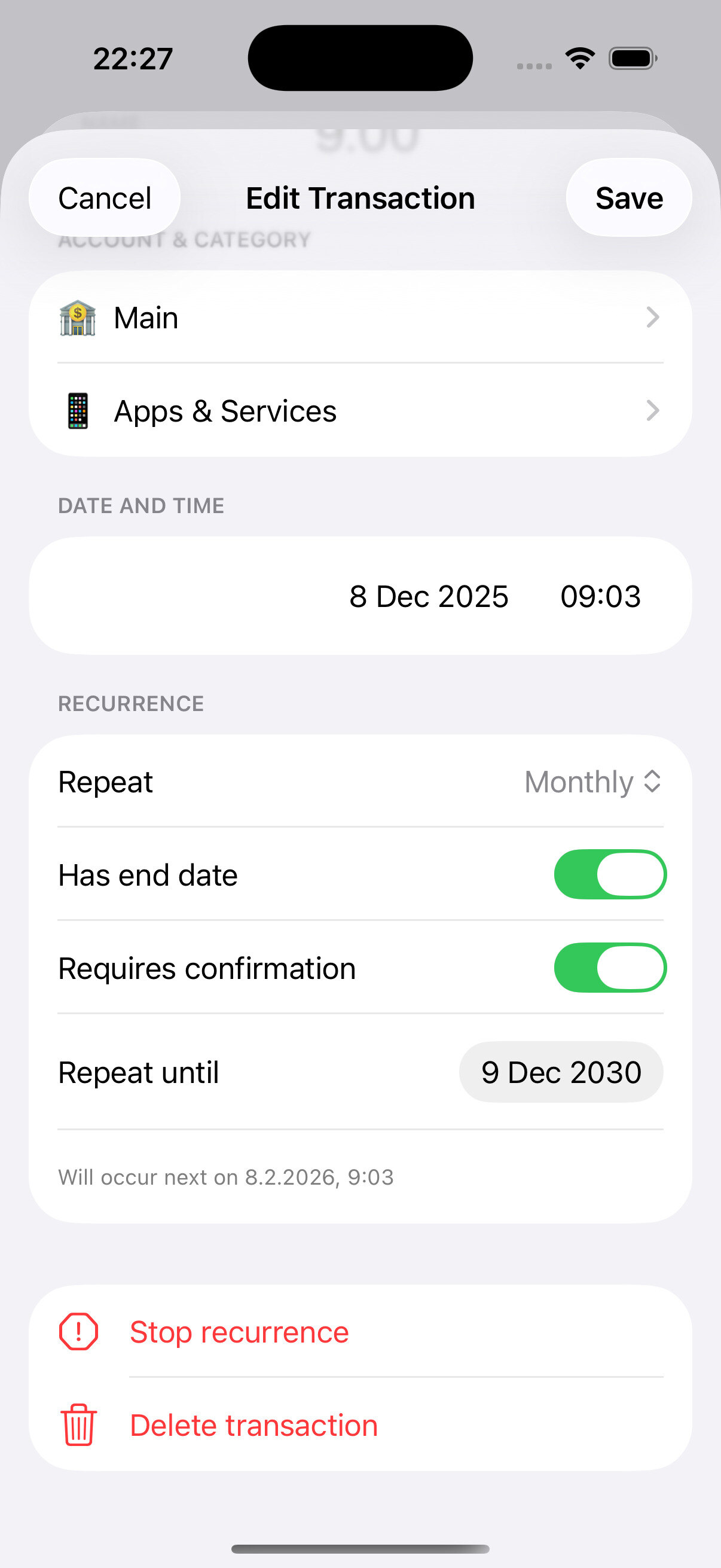
Recurring Transactions
Schedule recurring expenses and income so you never miss rent, subscriptions, or payday.
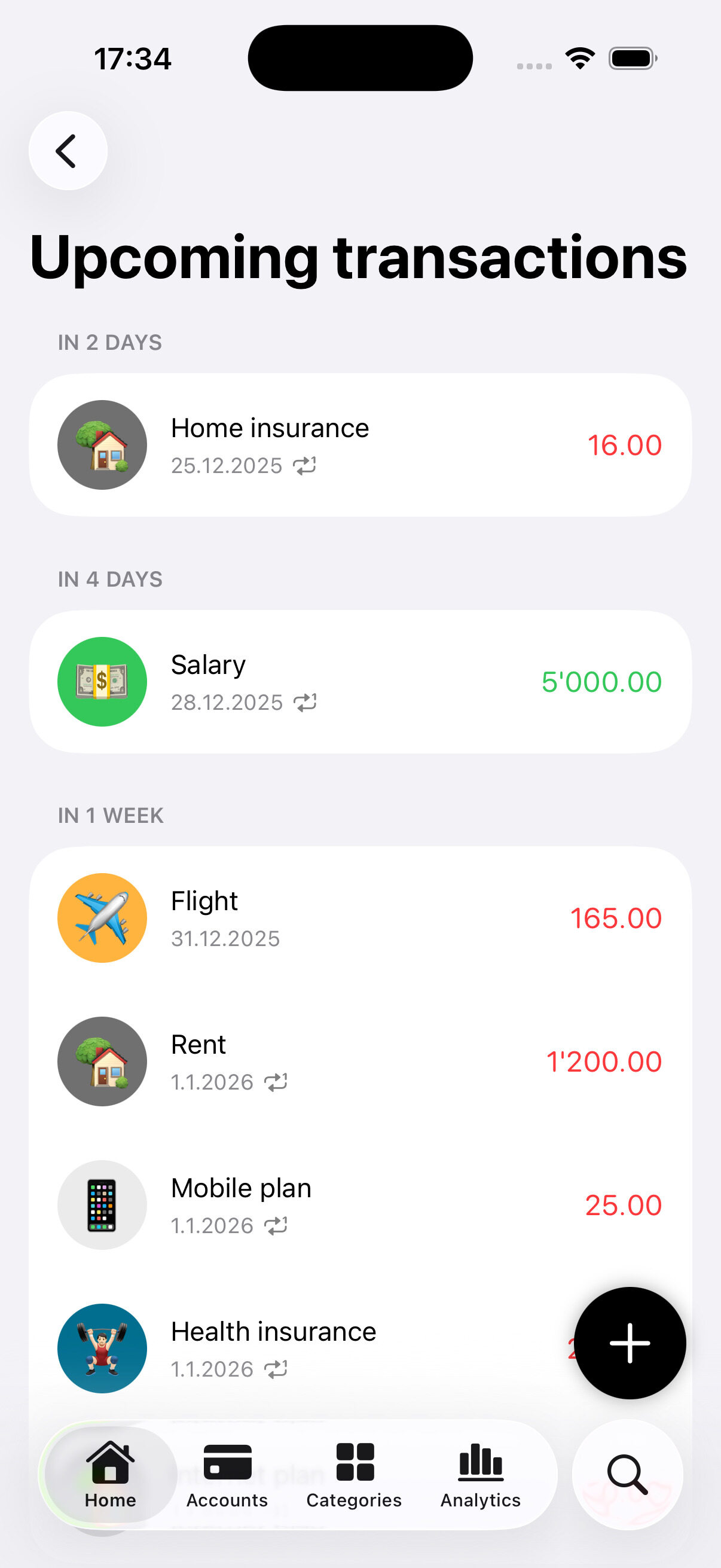
Upcoming Transactions
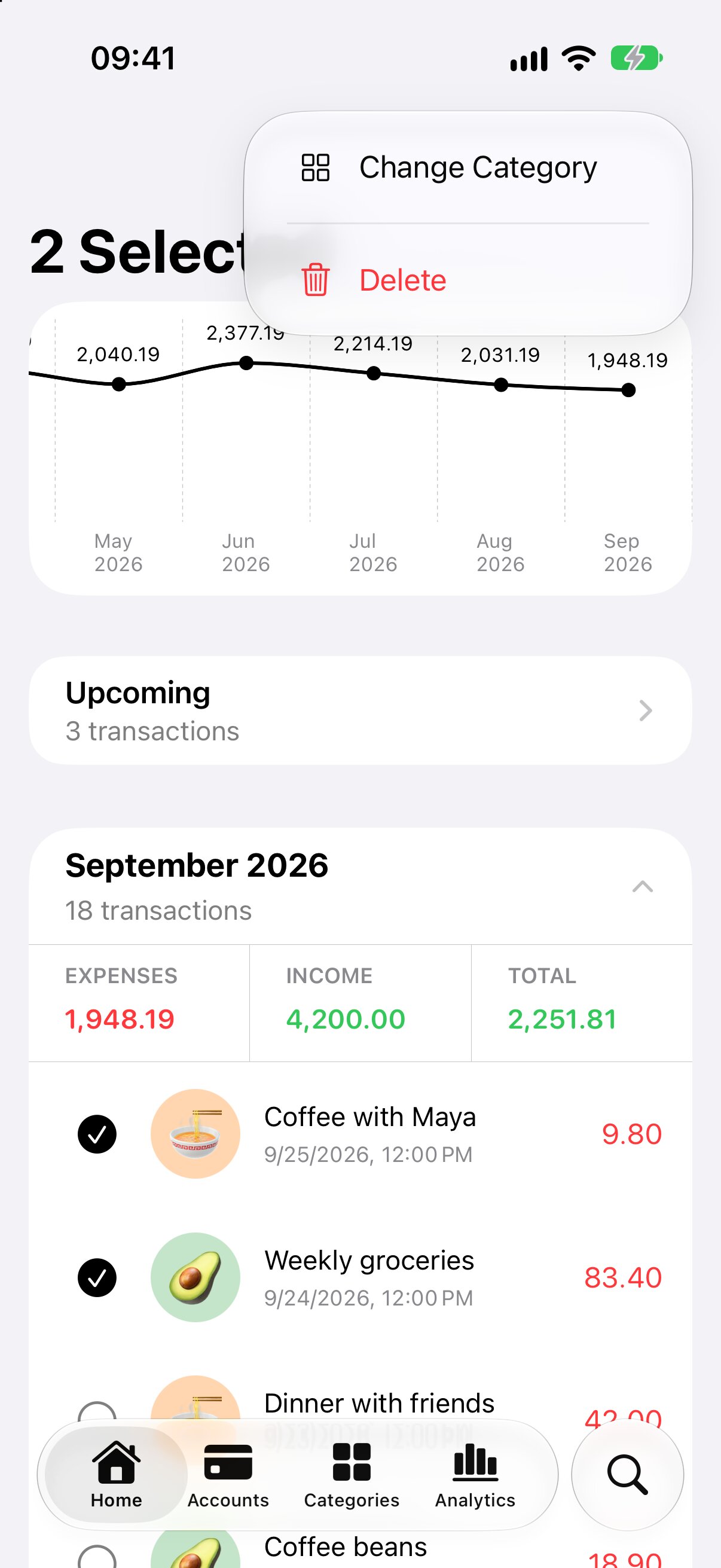
See upcoming and scheduled transactions in one dedicated view.
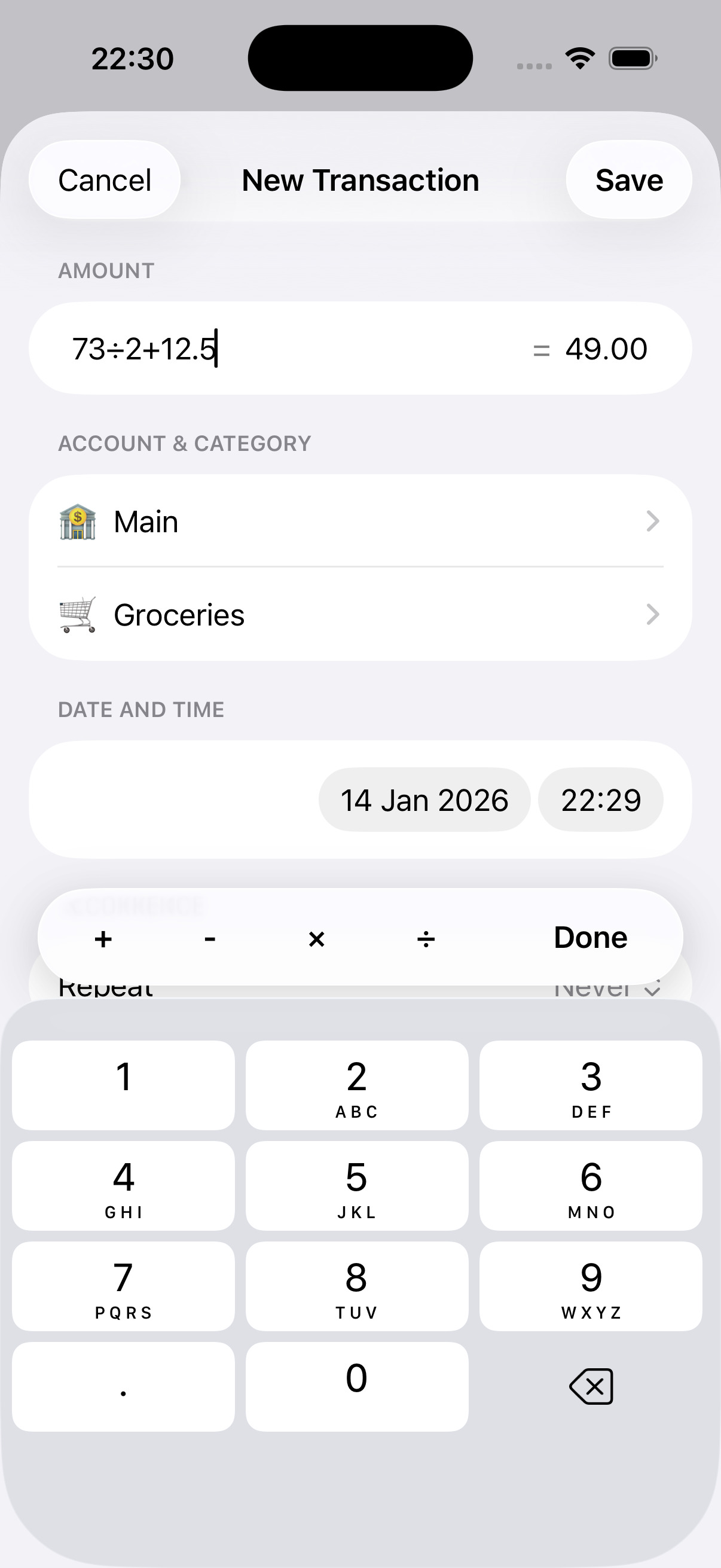
Built-in Calculator
Do quick math in the amount field when adding or editing a transaction. No app switching!
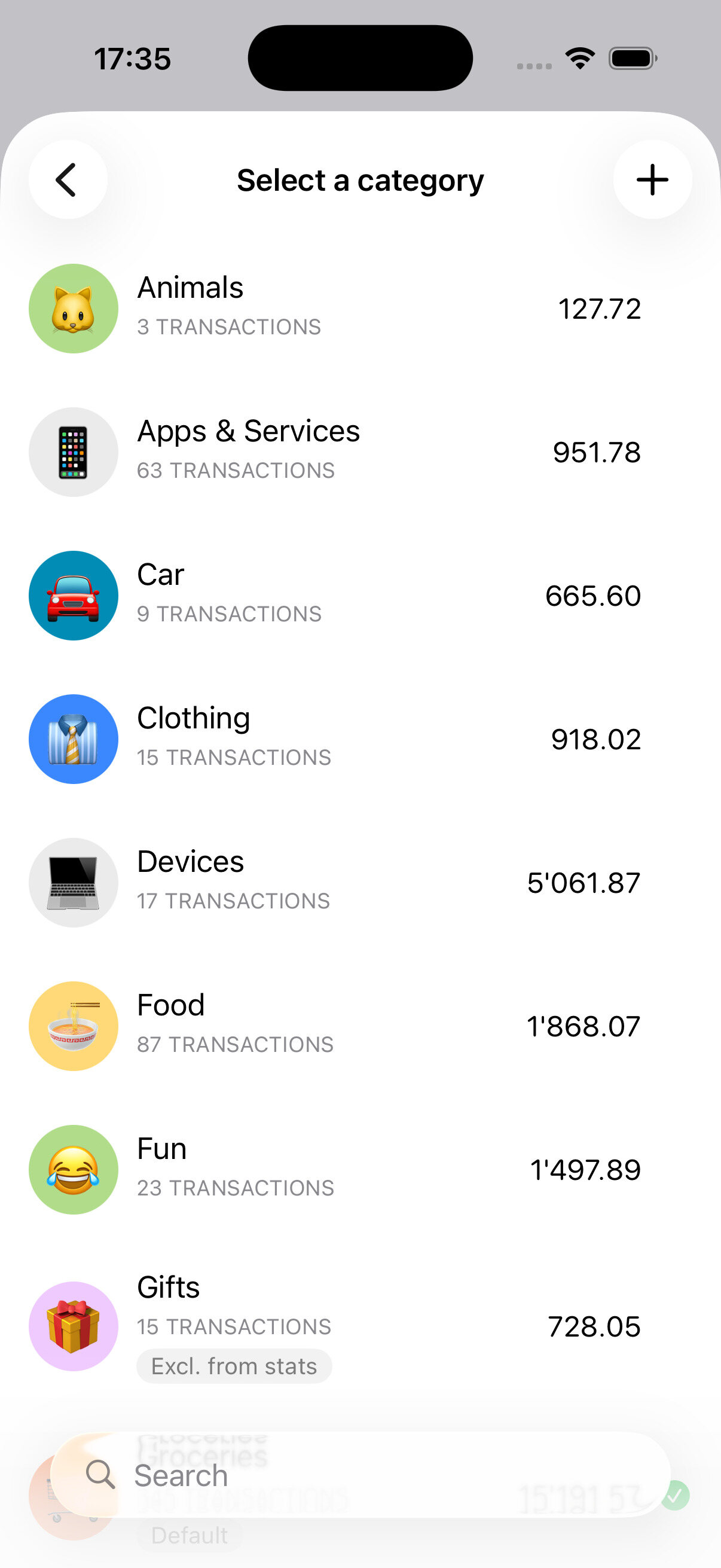
Smart Pickers
Create or choose accounts and categories right while adding a transaction. No switching screens.

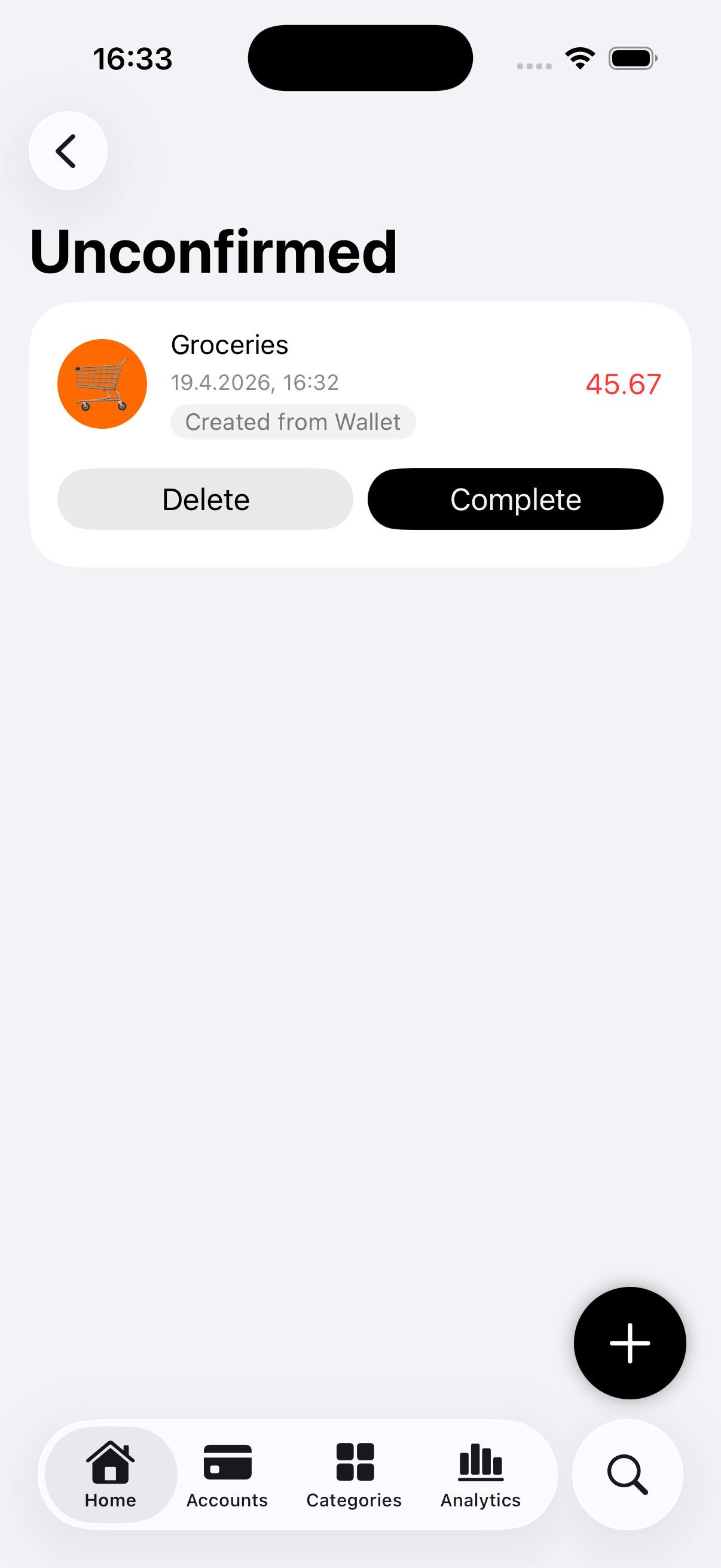
Apple Wallet Transactions

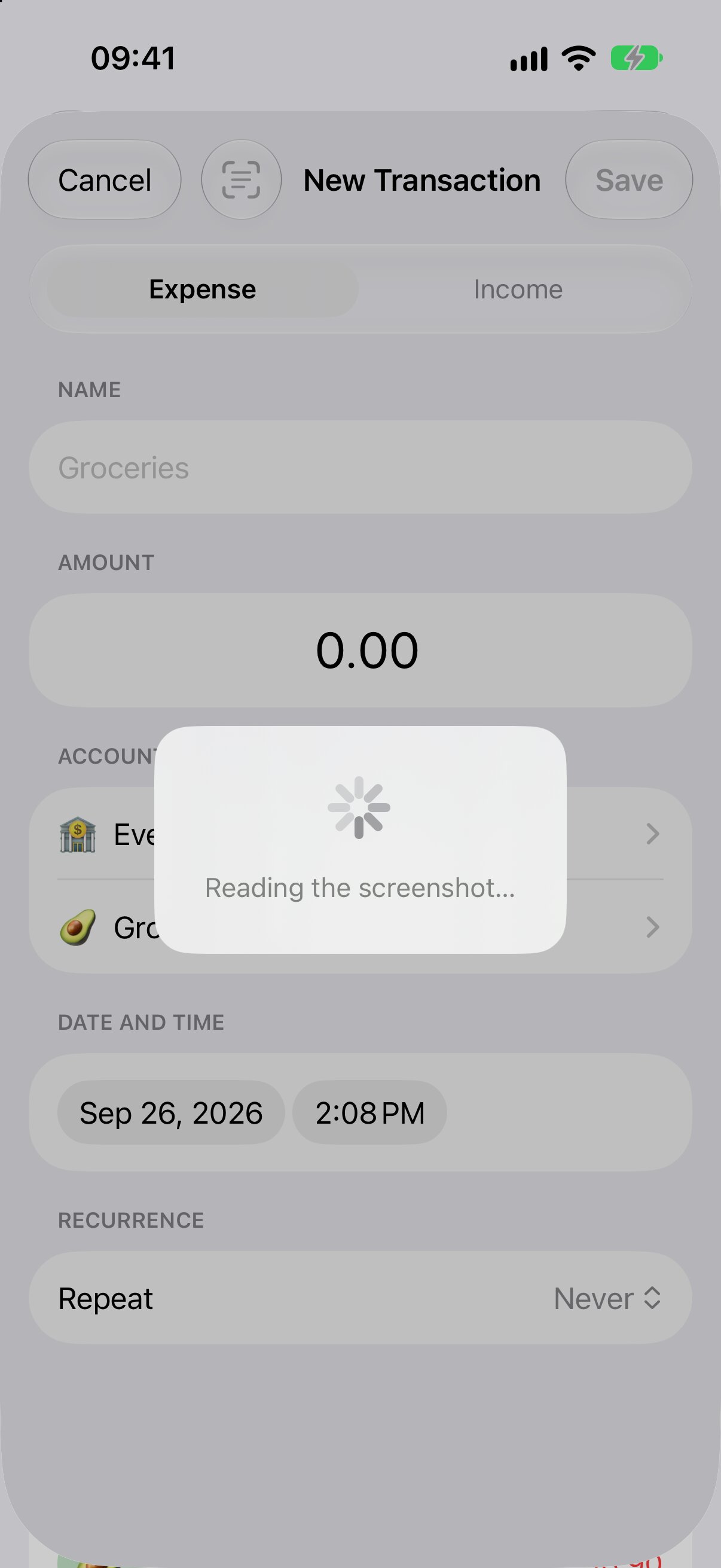
Automatically import transactions from Apple Wallet with Shortcuts automations.
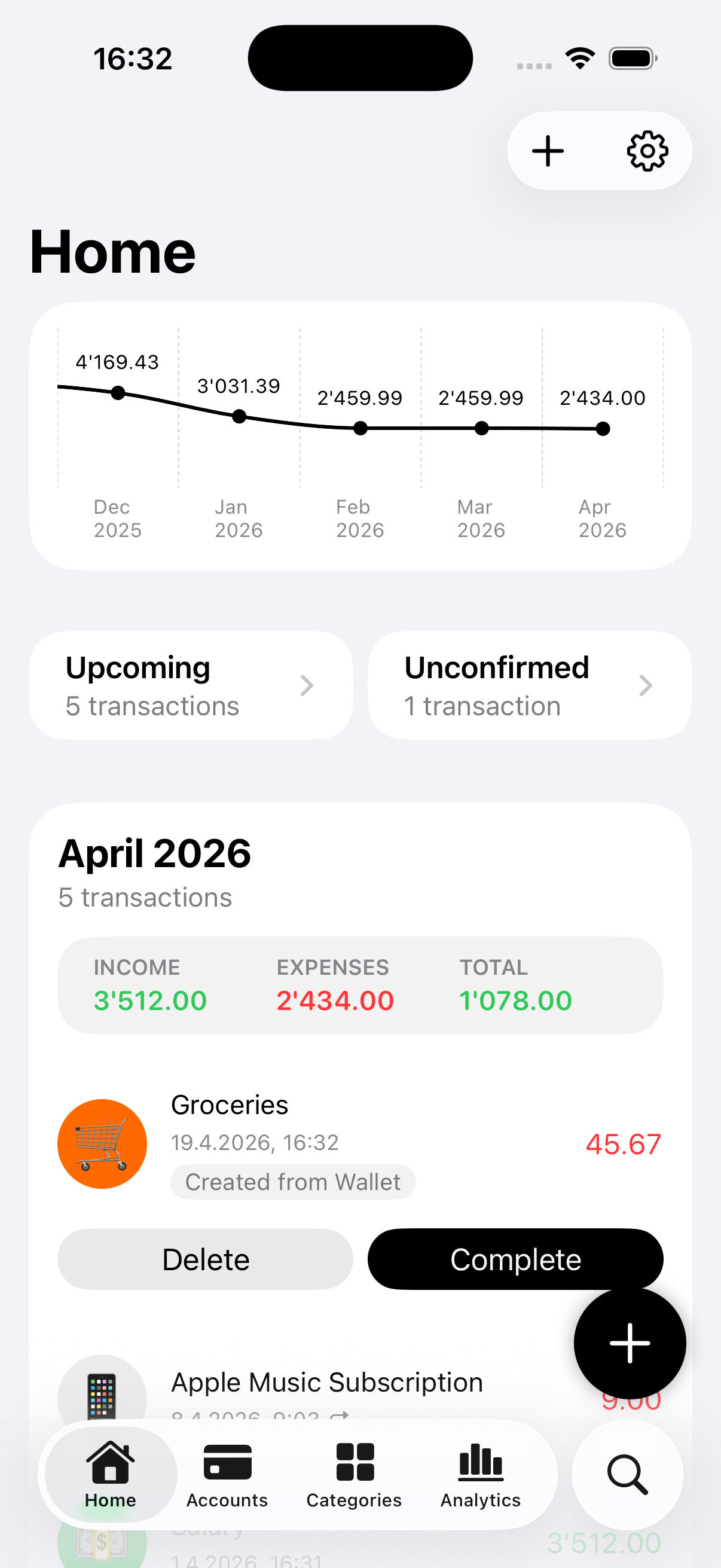
Automatically imported
After creating the automation in the Shortcuts app, Apple Wallet transactions will be automatically detected by Expenses.
You are in control
You'll find them on the home tab and in a dedicated section where you'll be able to categorize them and confirm them.

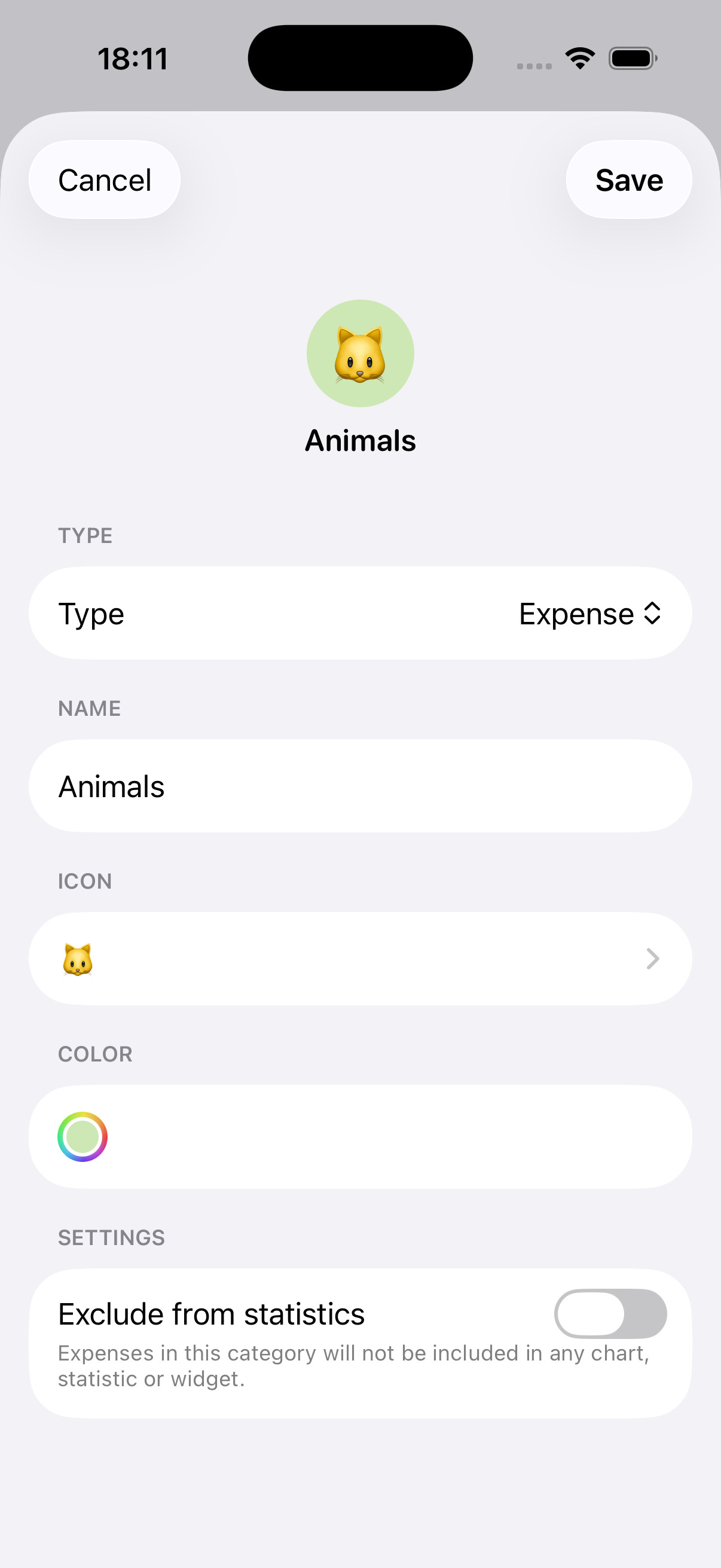
Accounts & Categories

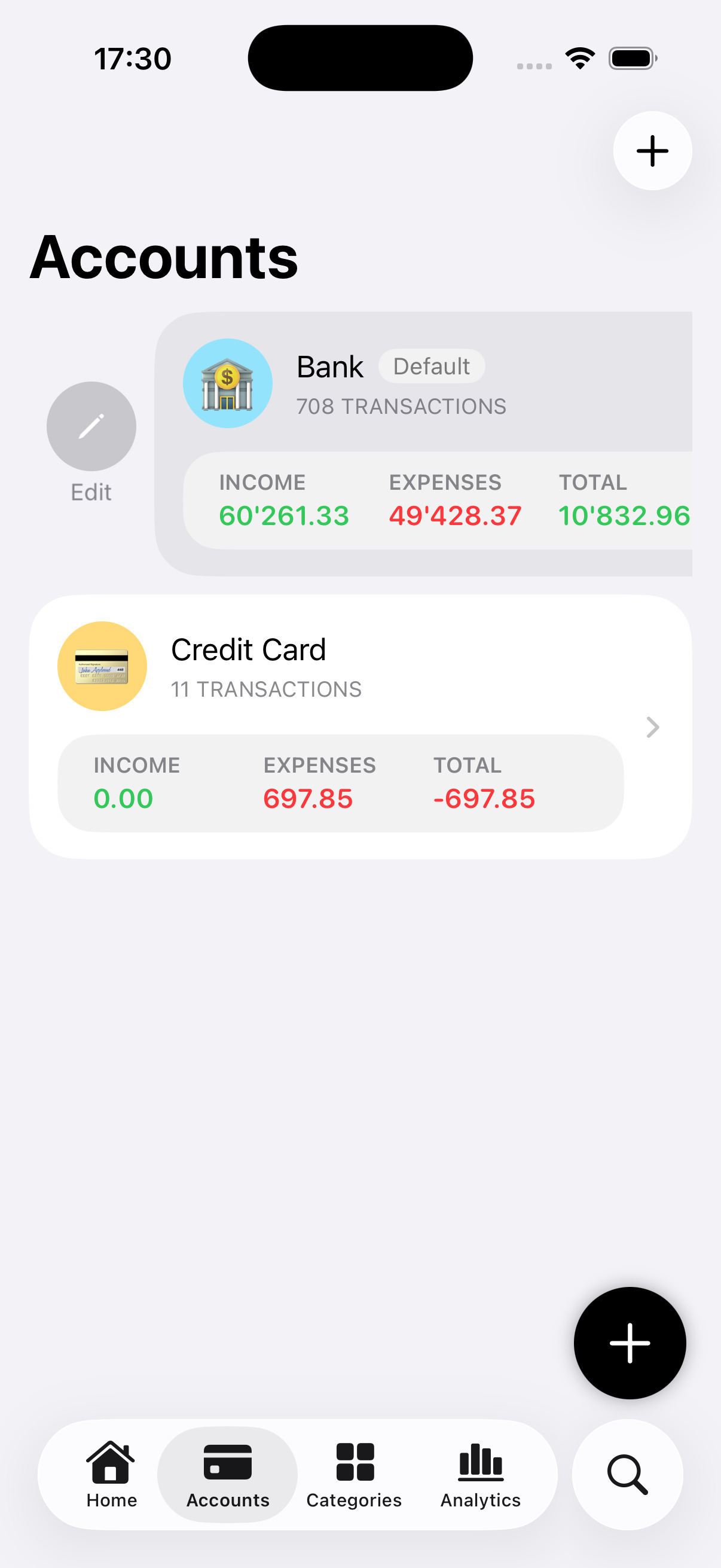
Organize your finance your way! Create accounts and categories and customize them with colors and emojis.
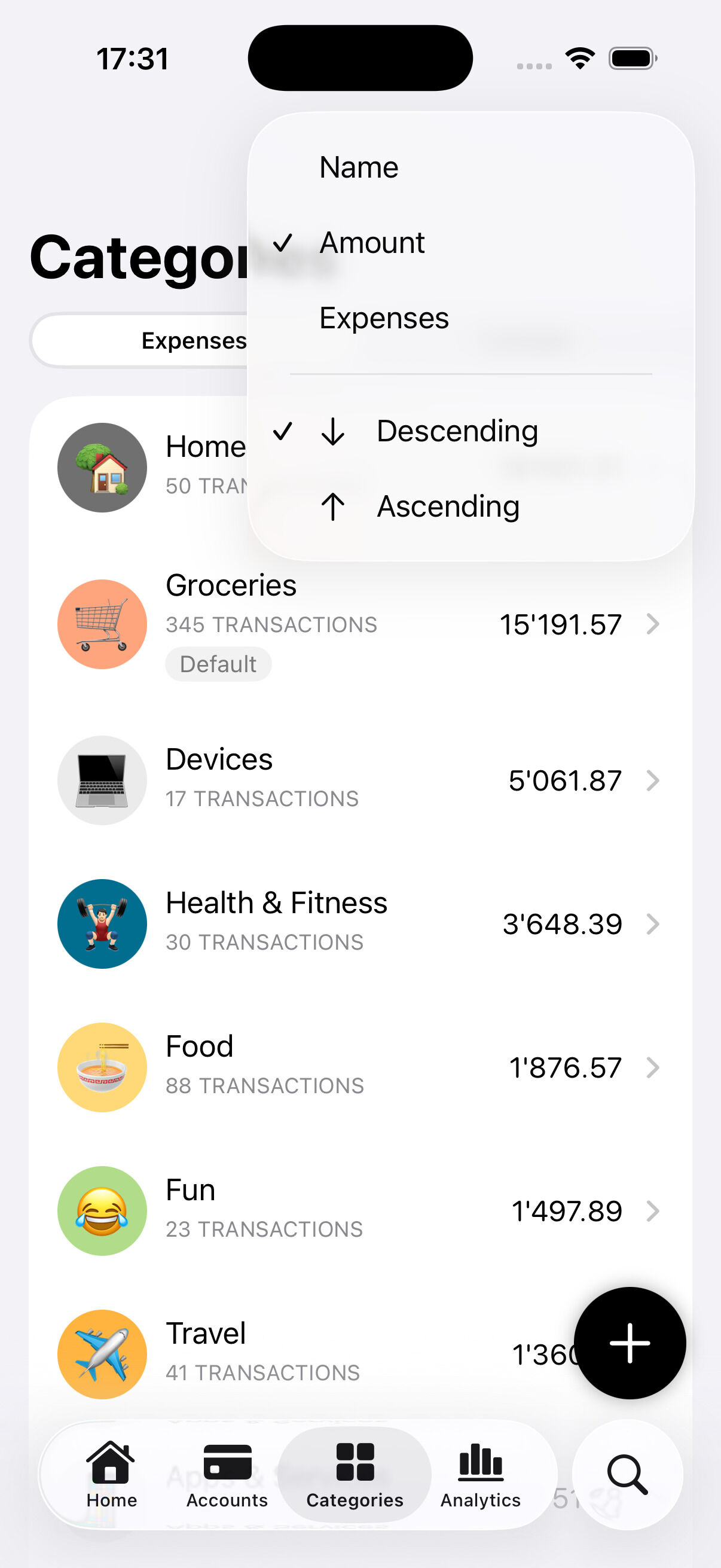
Dedicated Views
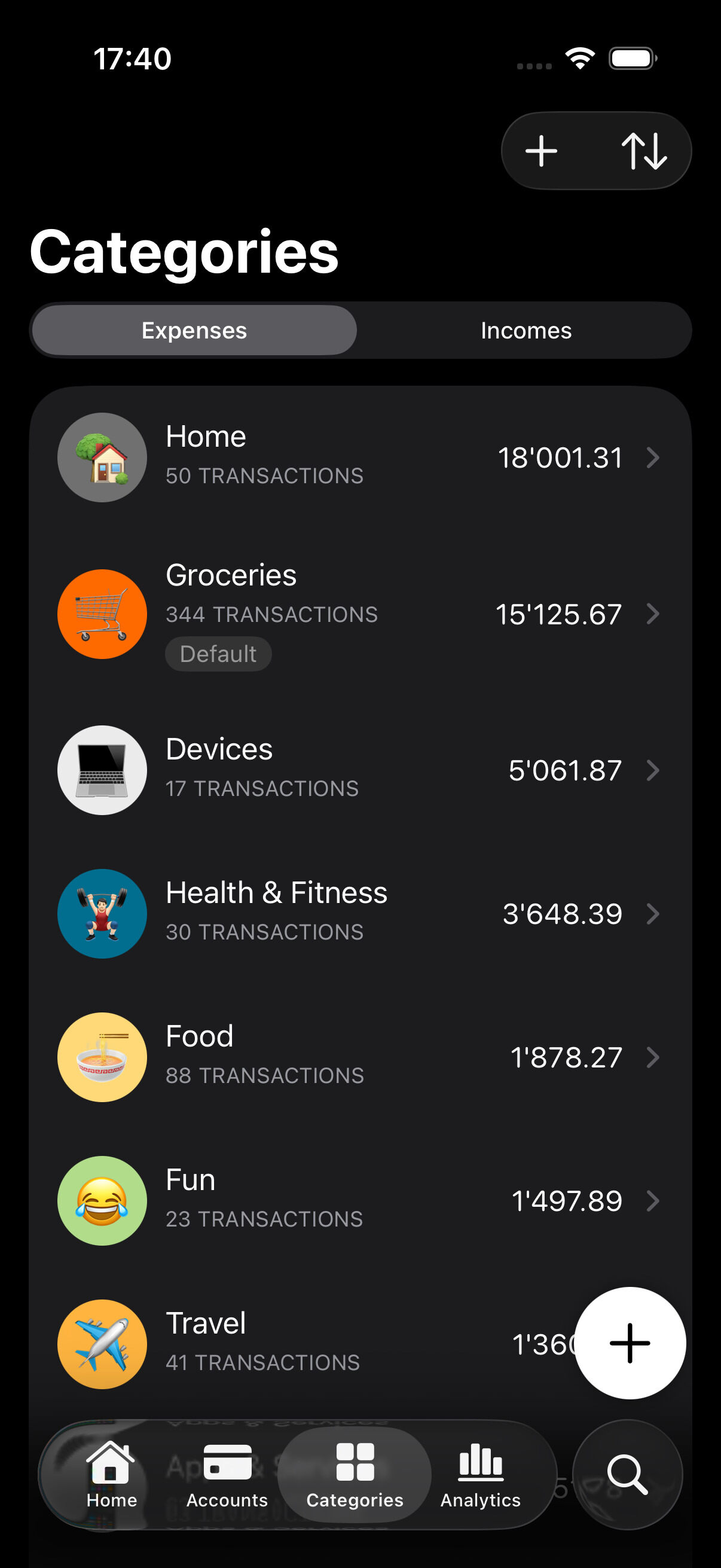
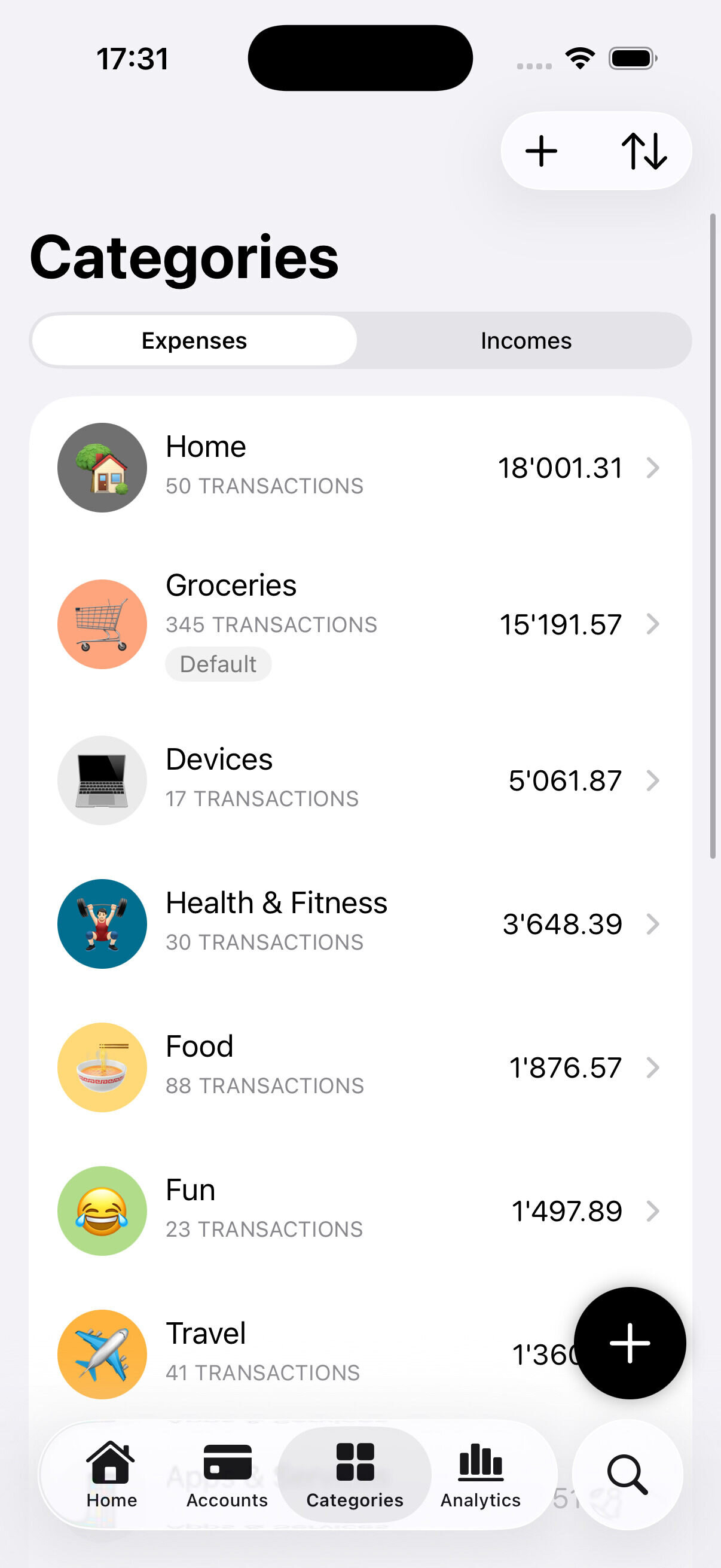
See all your accounts and categories at a glance, separated for expenses and income, in their own dedicated views.
Sorting
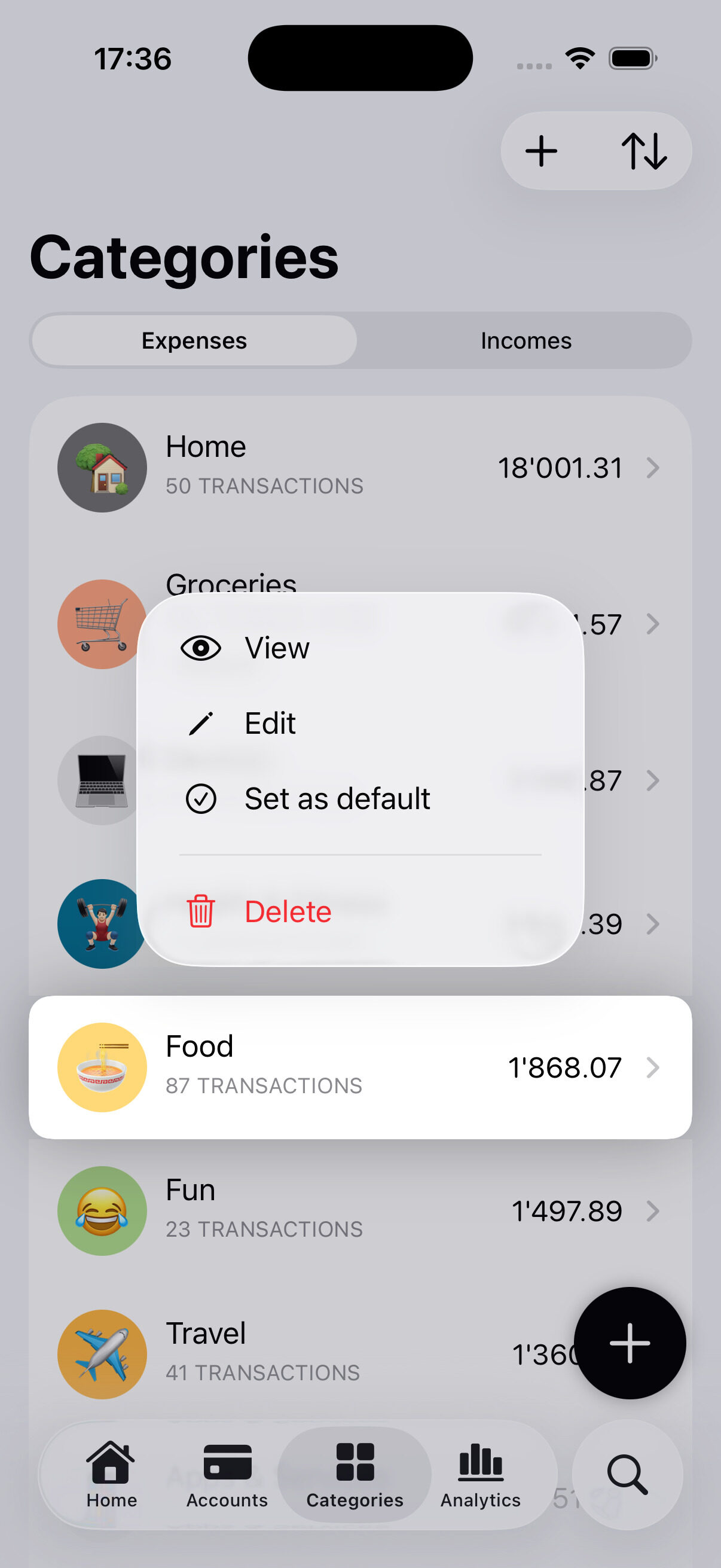
Sort categories alphabetically, by total spent, or by transaction count.
Customization
Create new accounts or categories in seconds, with colors and emojis that fit your style.
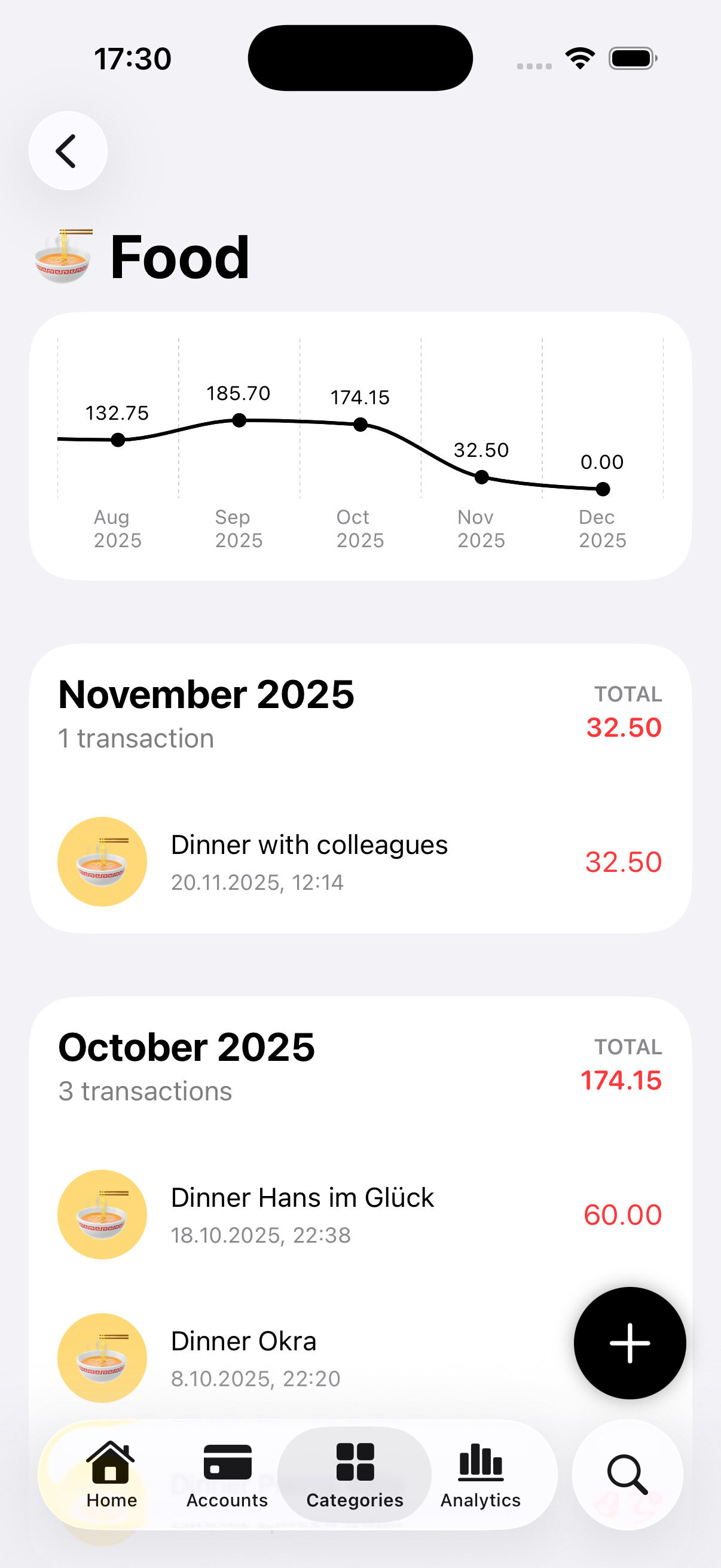
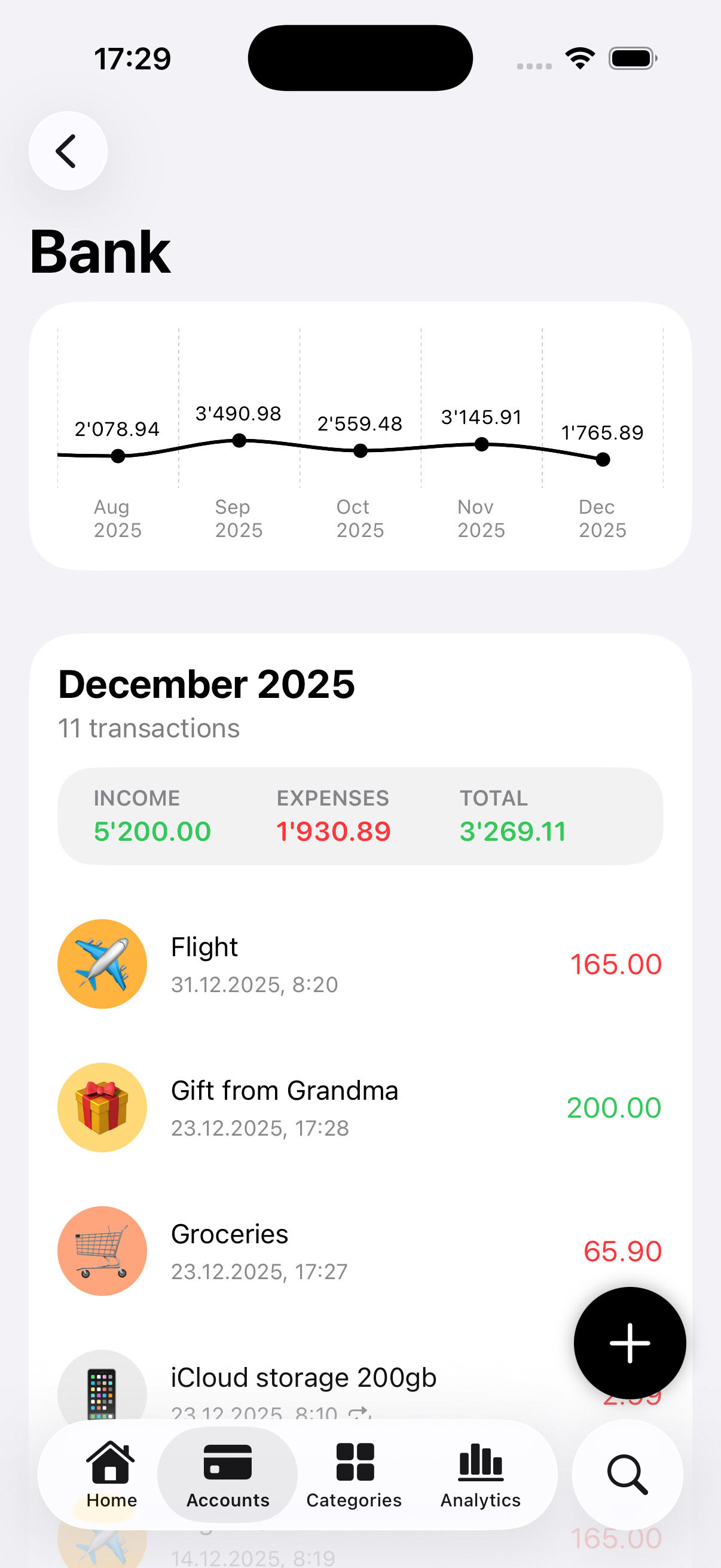
Deep dive
Drill into each account or category to see how your spending changes over time

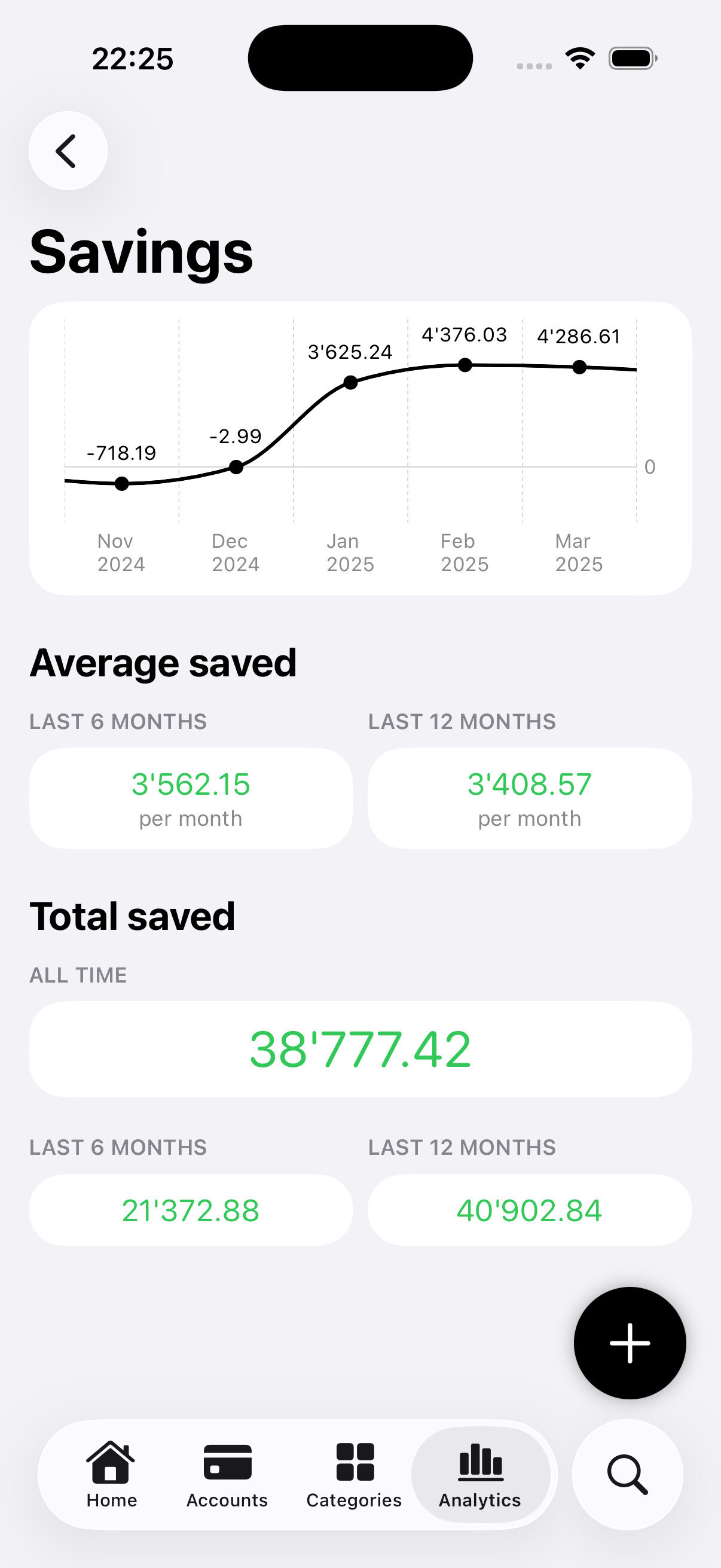
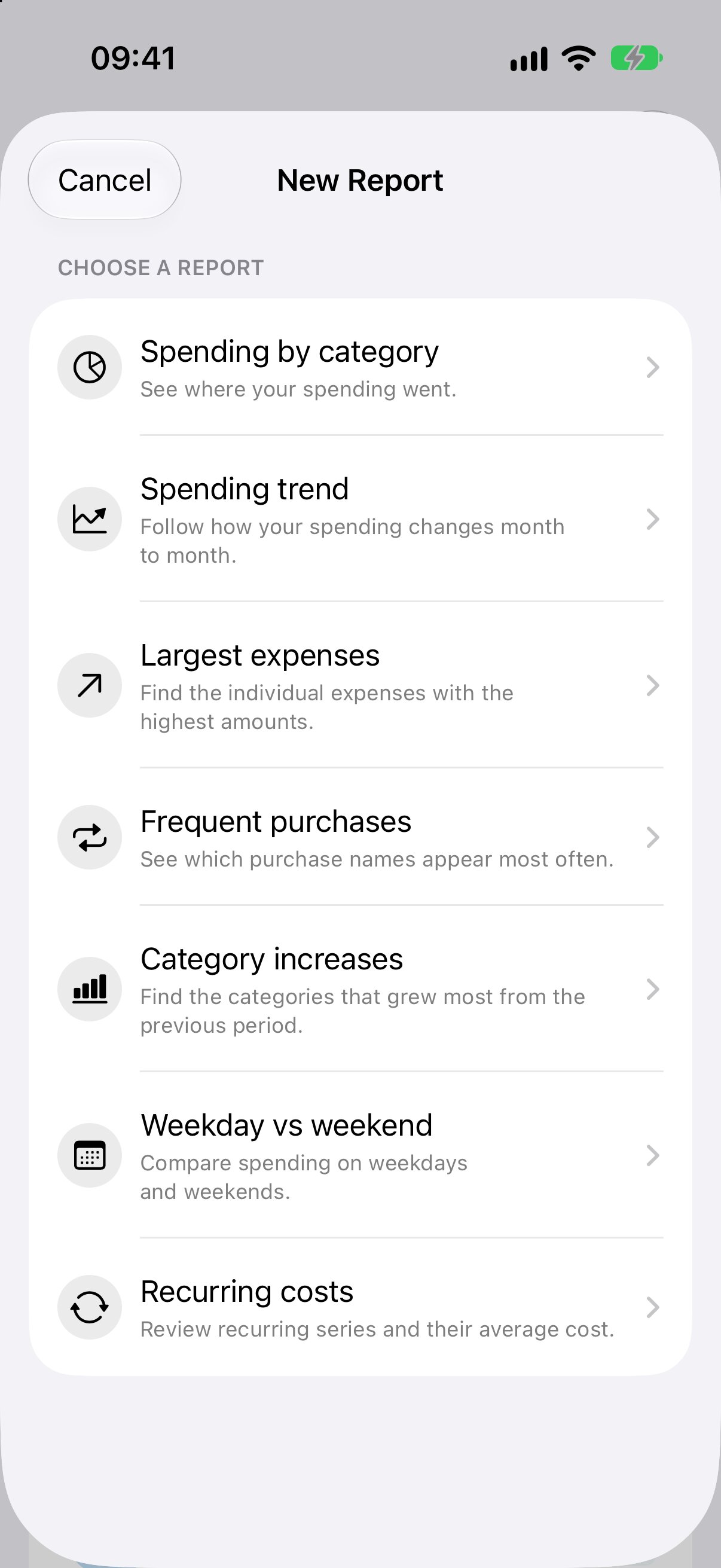
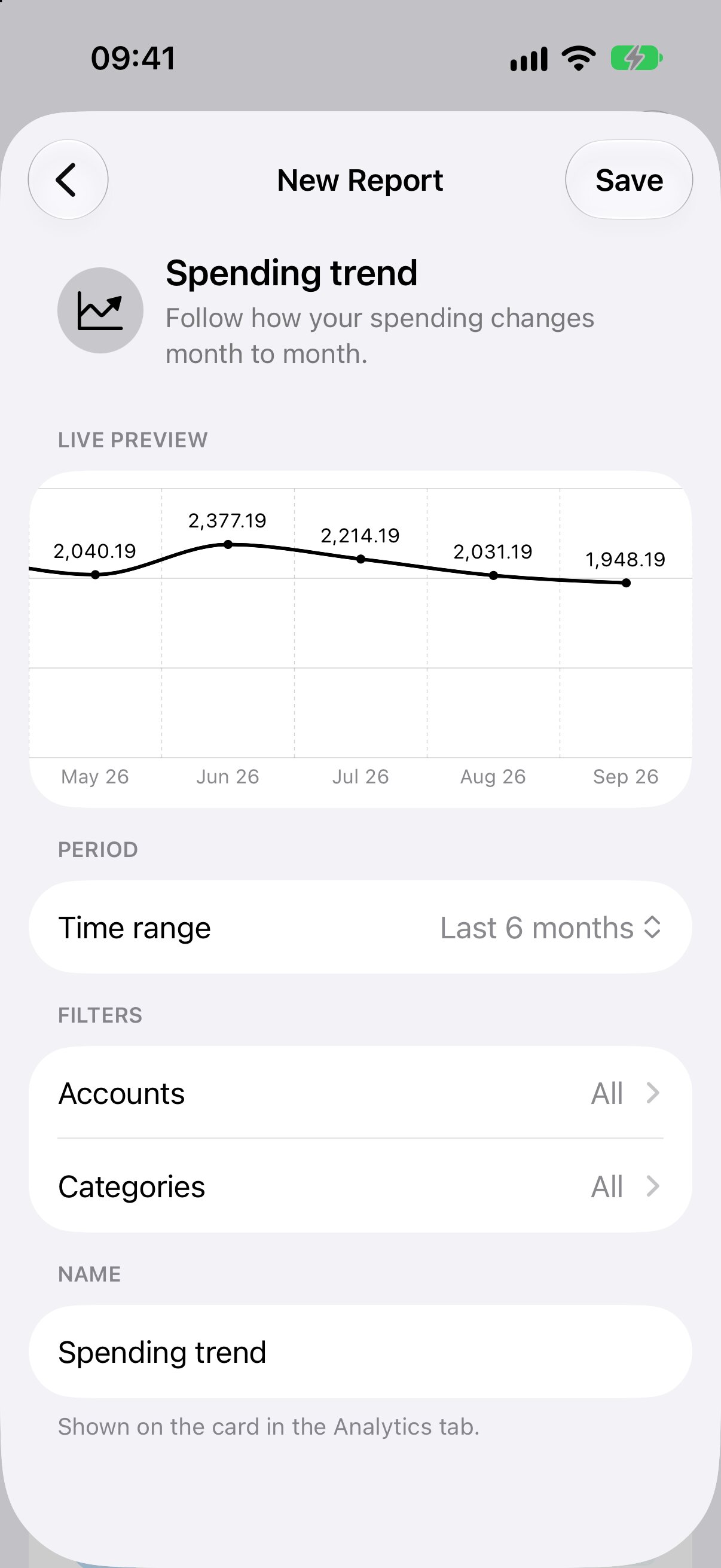
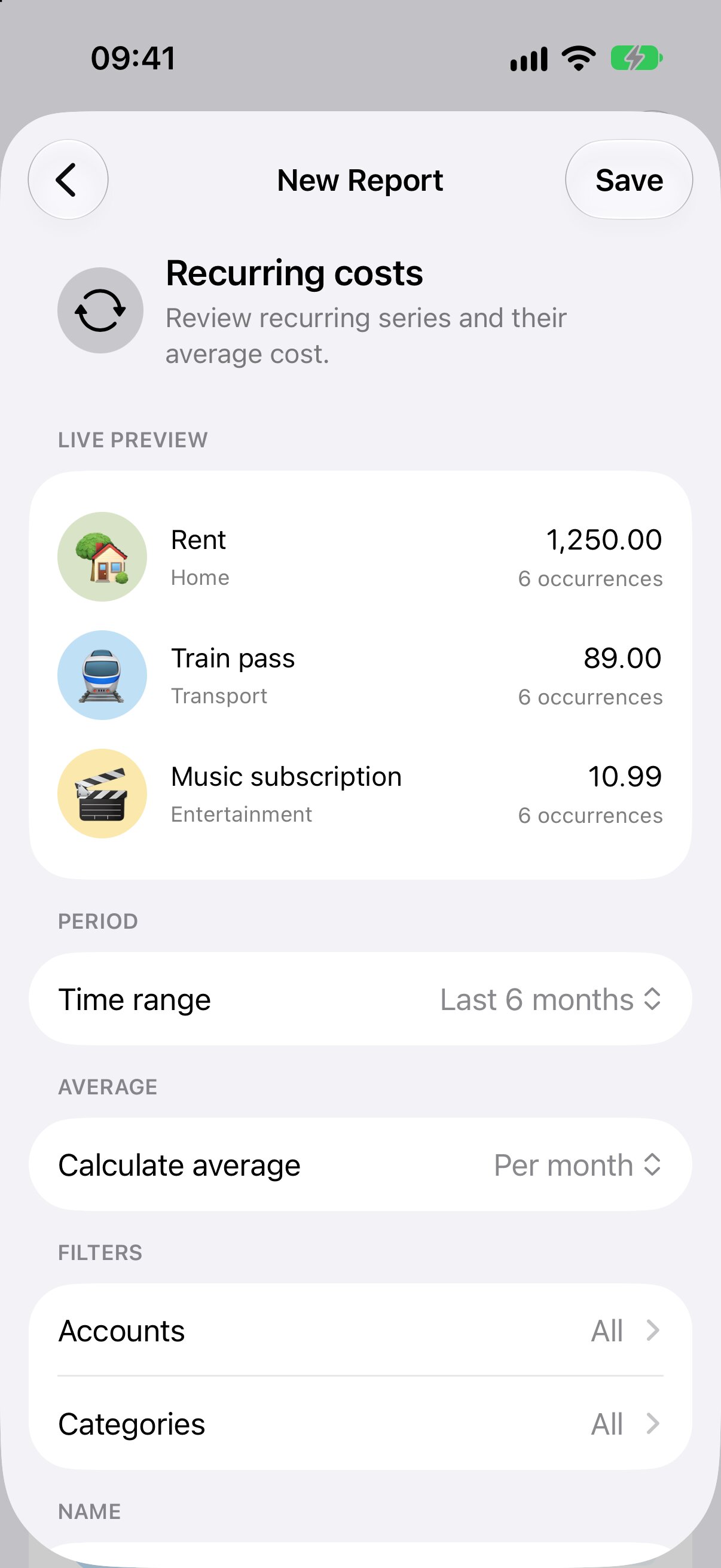
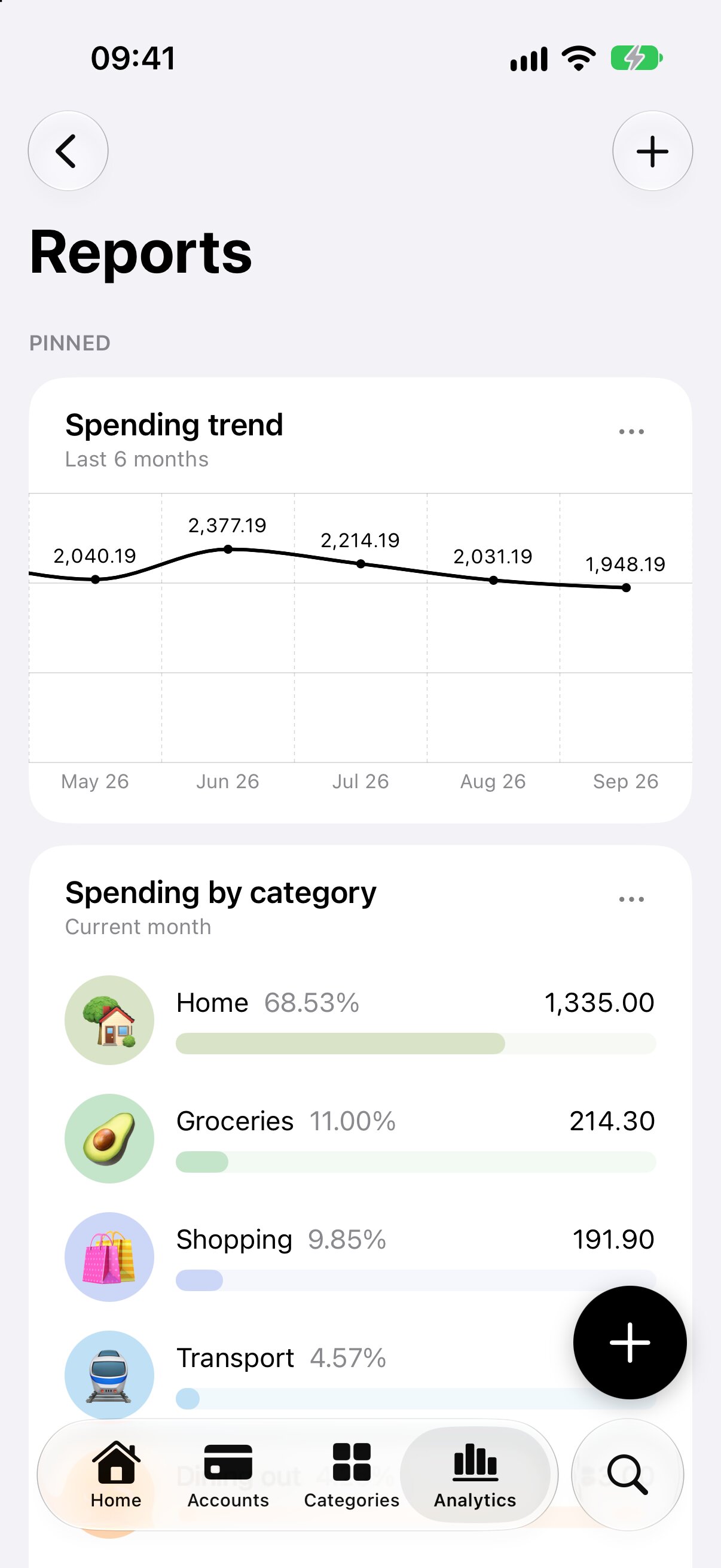
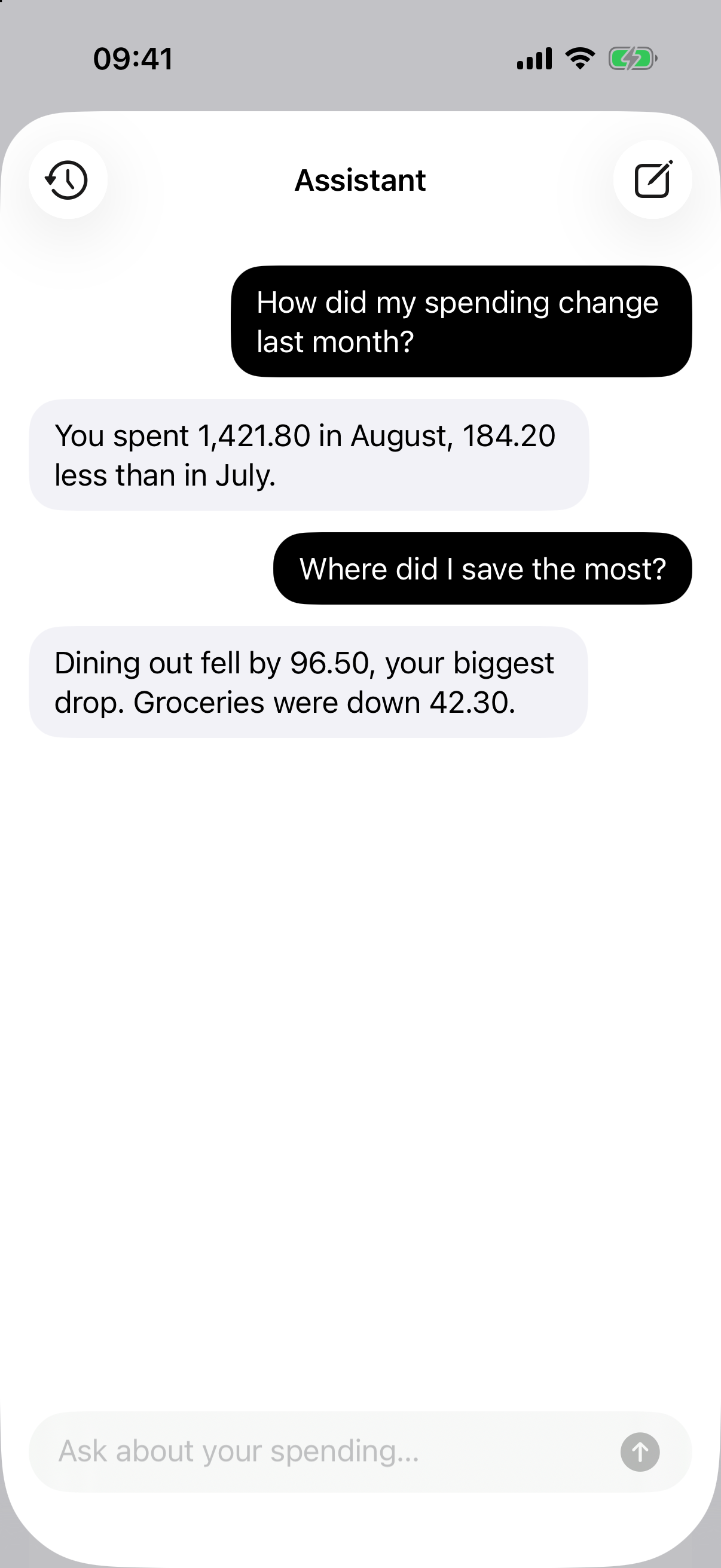
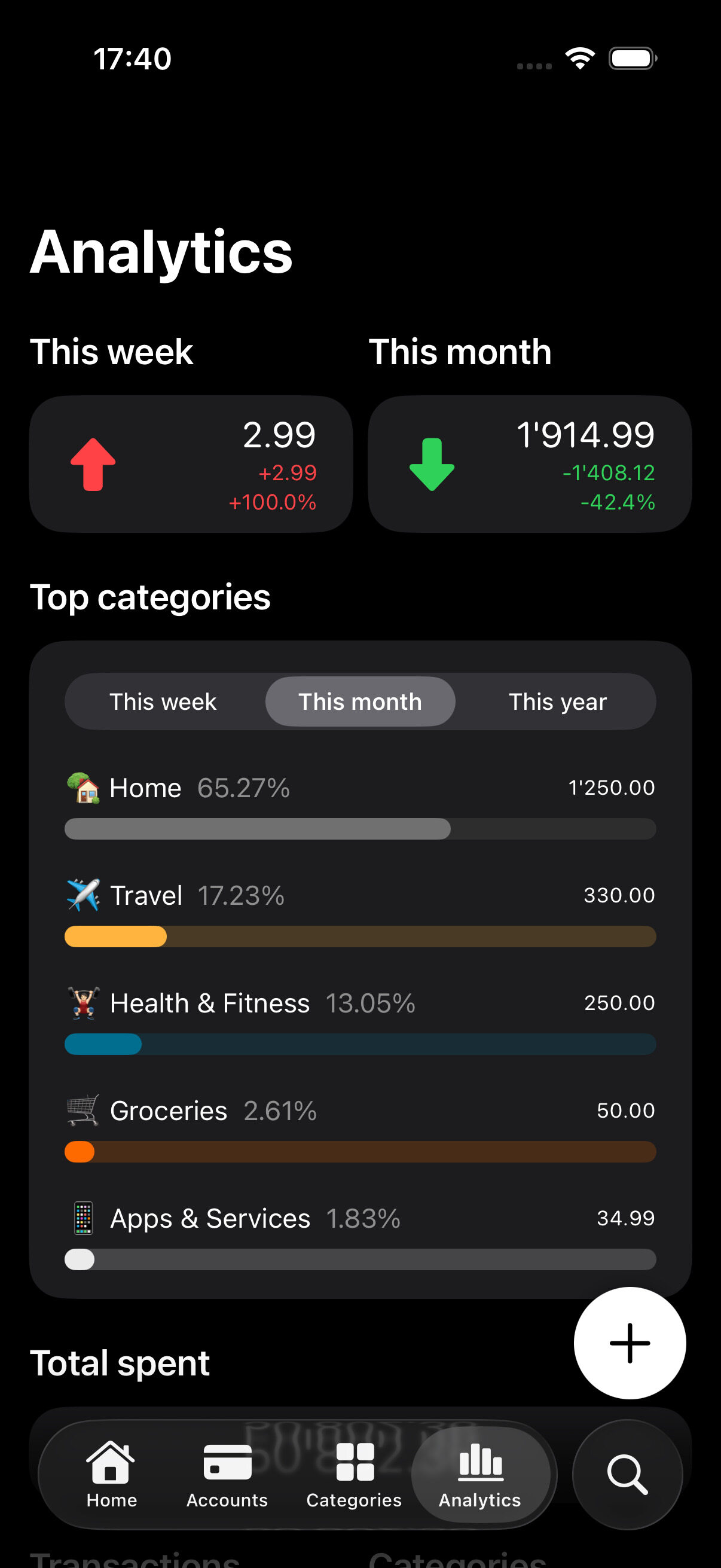
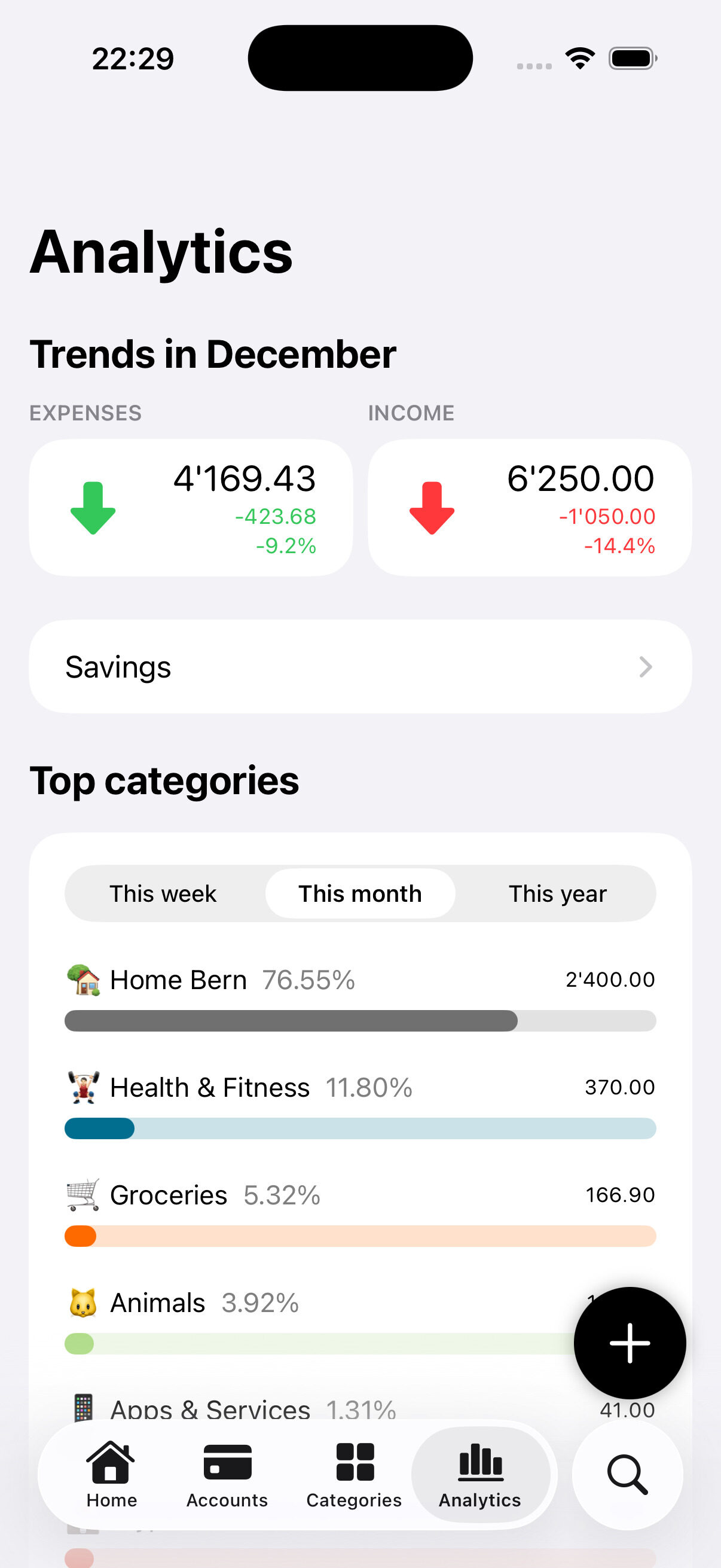
Analytics

Get simple and clear insights into where your money goes, across accounts and categories.

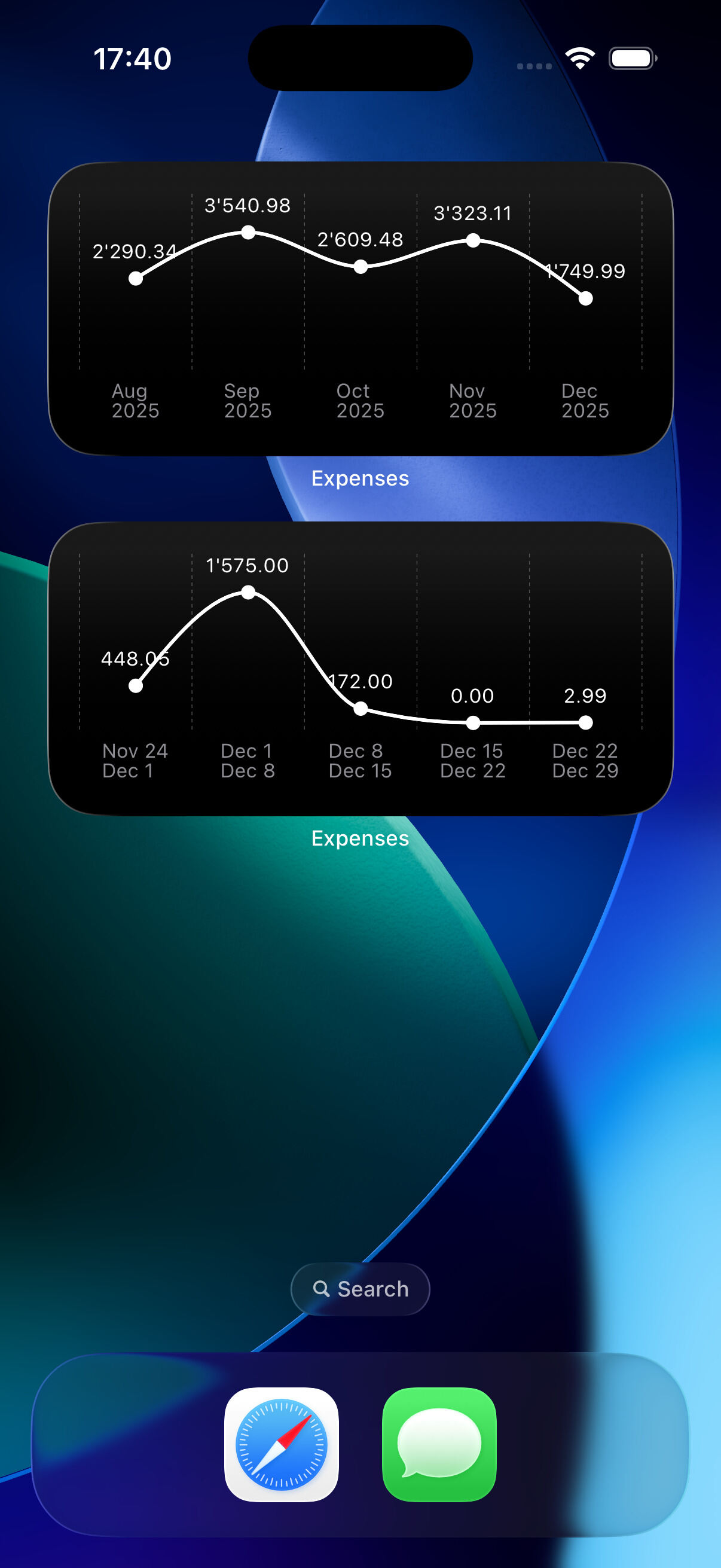
Home Screen Widgets

Add widgets to your home screen to check your spending or savings at a glance.
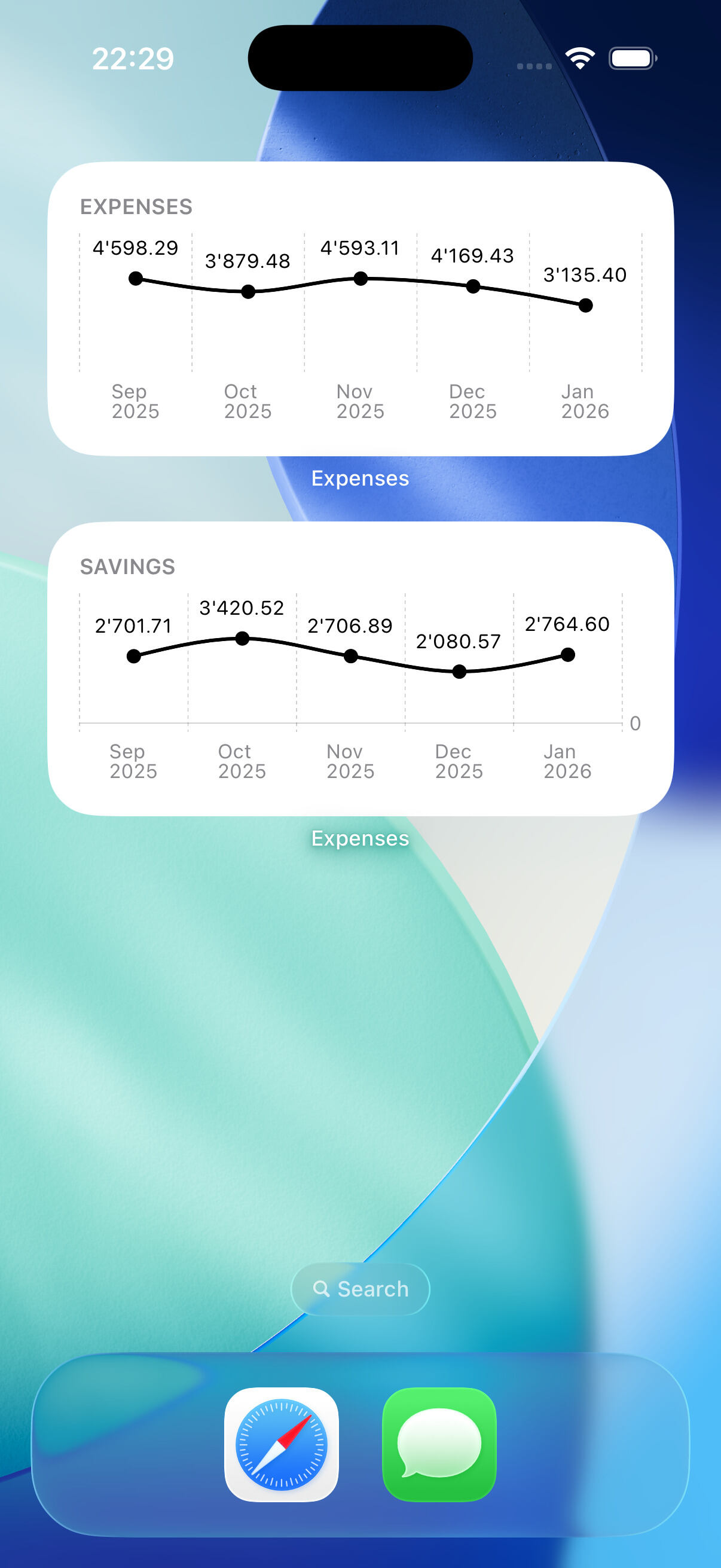
Customizable
Customize what you see: yearly, monthly or weekly totals.
Dark Mode
Widgets support dark mode to match your device appearance.

Fast & Intuitive Interface

Use swipe actions and context menus to edit, delete, or set defaults for accounts, categories, and transactions.
Built-in Calculator
Do quick math in the amount field when adding or editing a transaction. No app switching!
Smart Pickers
Create or choose accounts and categories right while adding a transaction. No switching screens.
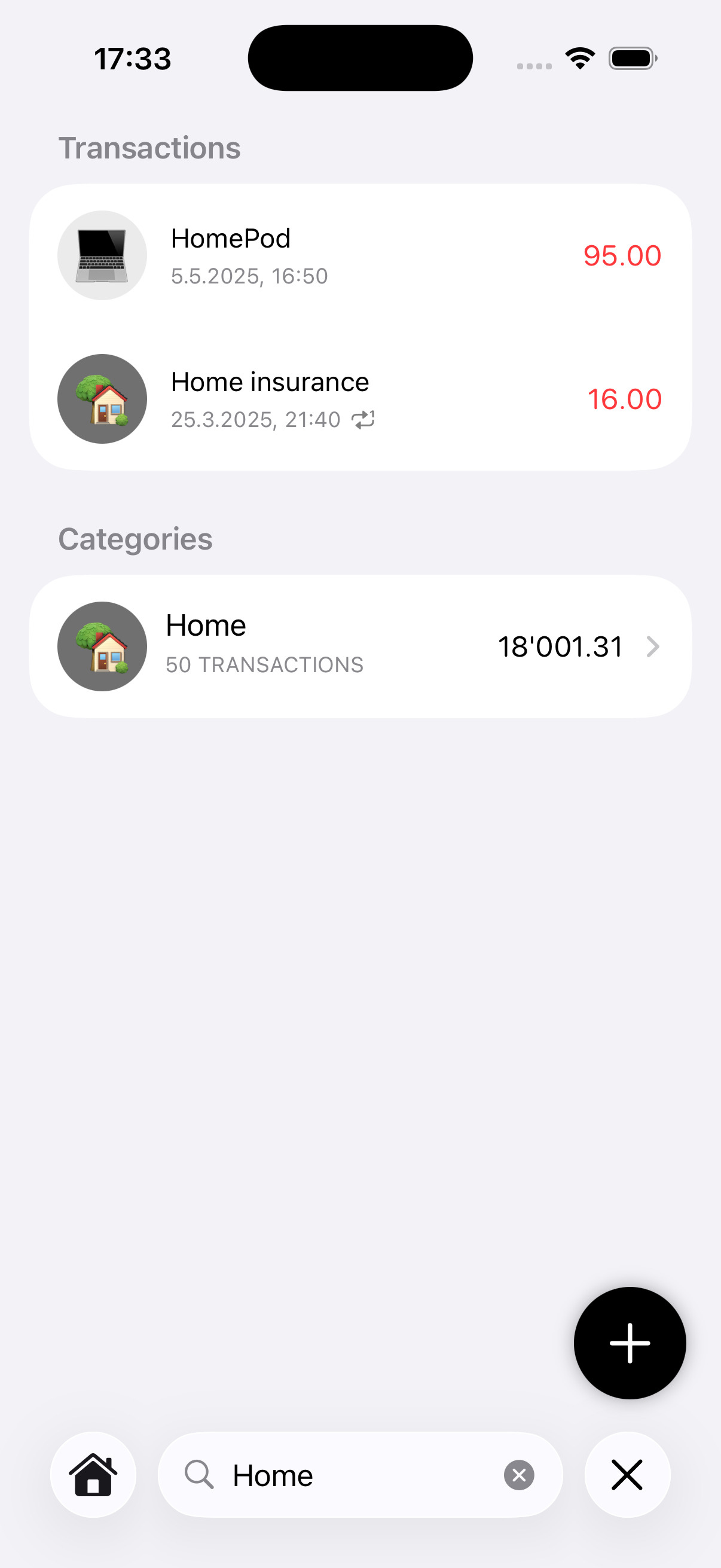
Unified Search
Search across all your transactions, categories, and accounts quickly and easily from a single screen.
Contextual Menus
Long press on transactions, accounts, or categories to quickly perform actions.
Swipe Actions
Use swipe actions on transactions, accounts, and categories to quickly edit or delete items.

Settings

You don't need income tracking, accounts or you don't want to see charts? Tailor the app to fit your needs.
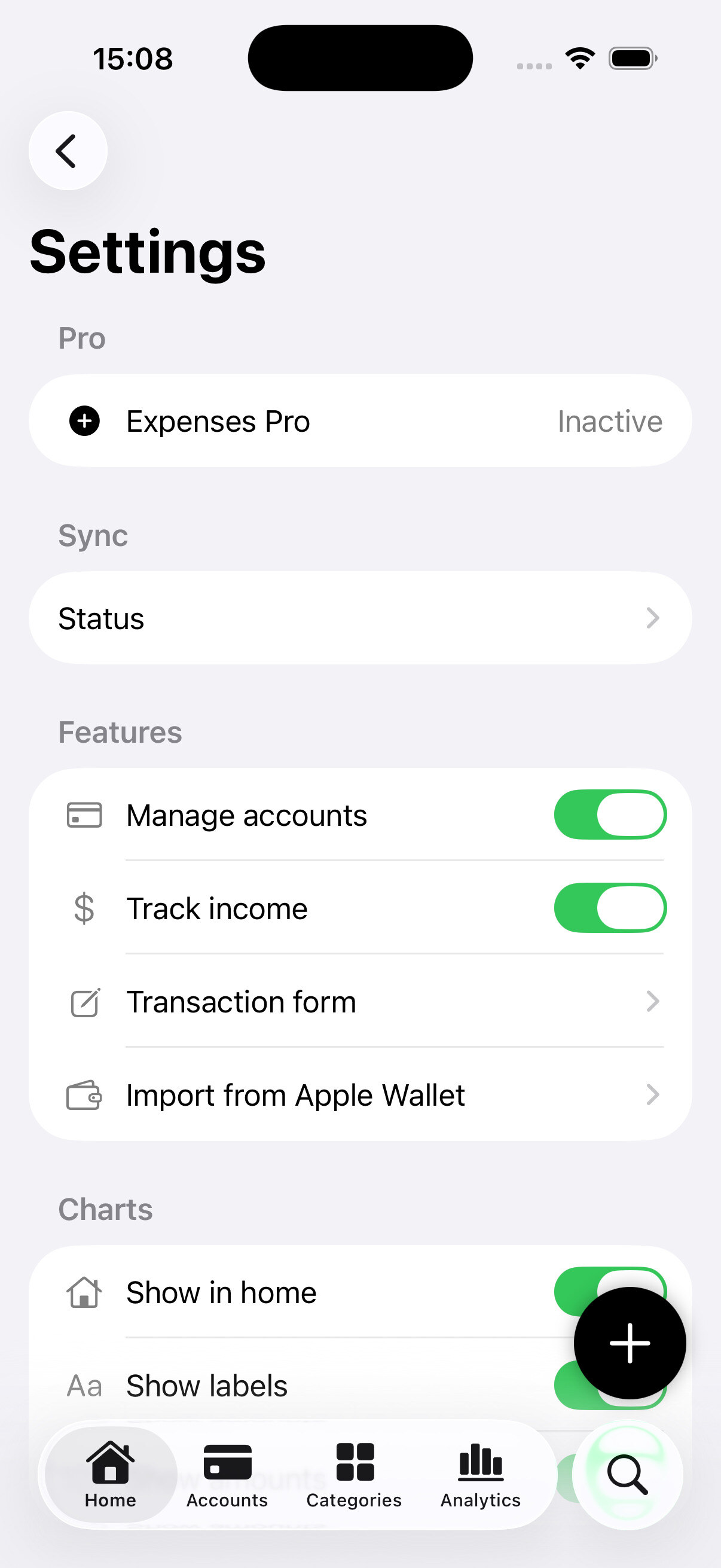
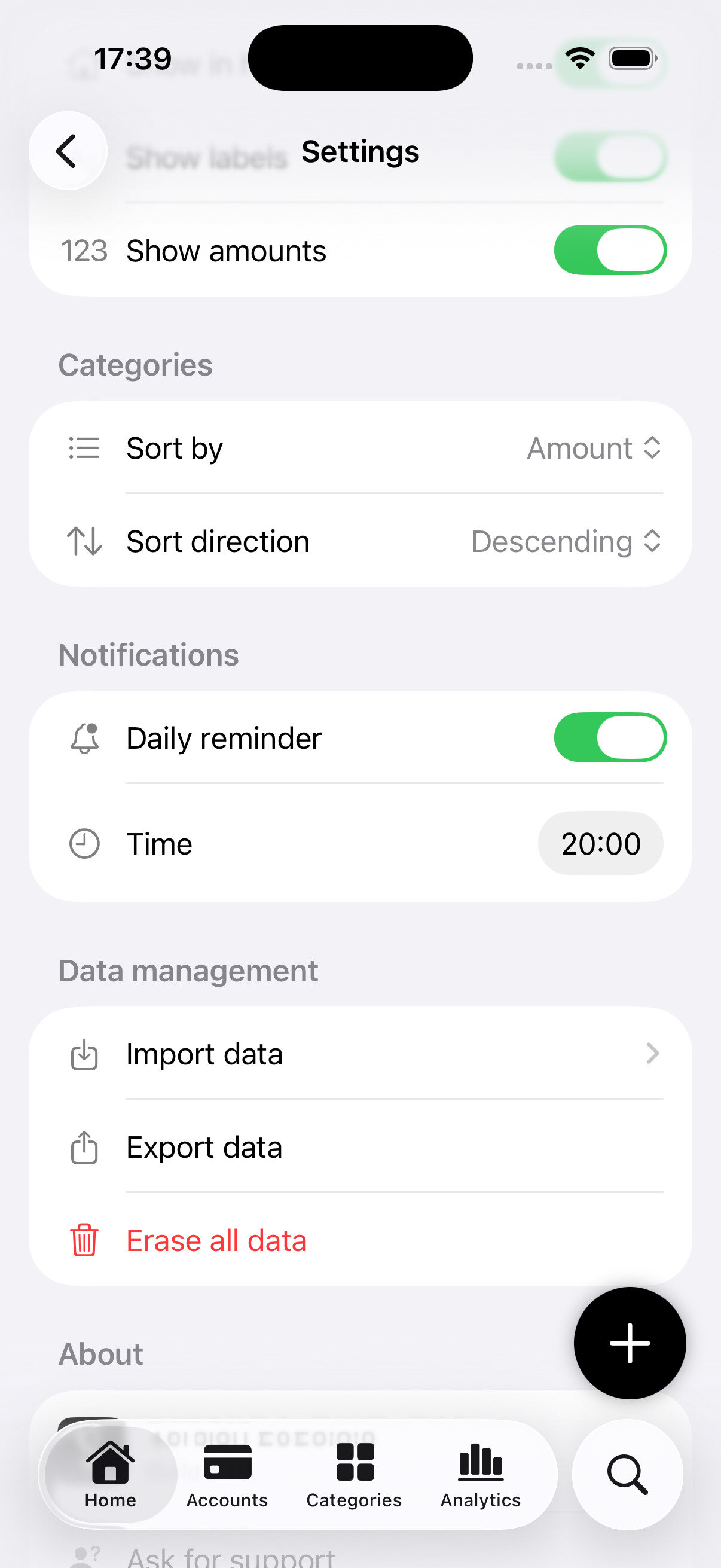
Customizable
Tailor the app to fit your needs.
Daily Reminders
Set a daily reminder to log expenses and income consistently.
Backup & Import
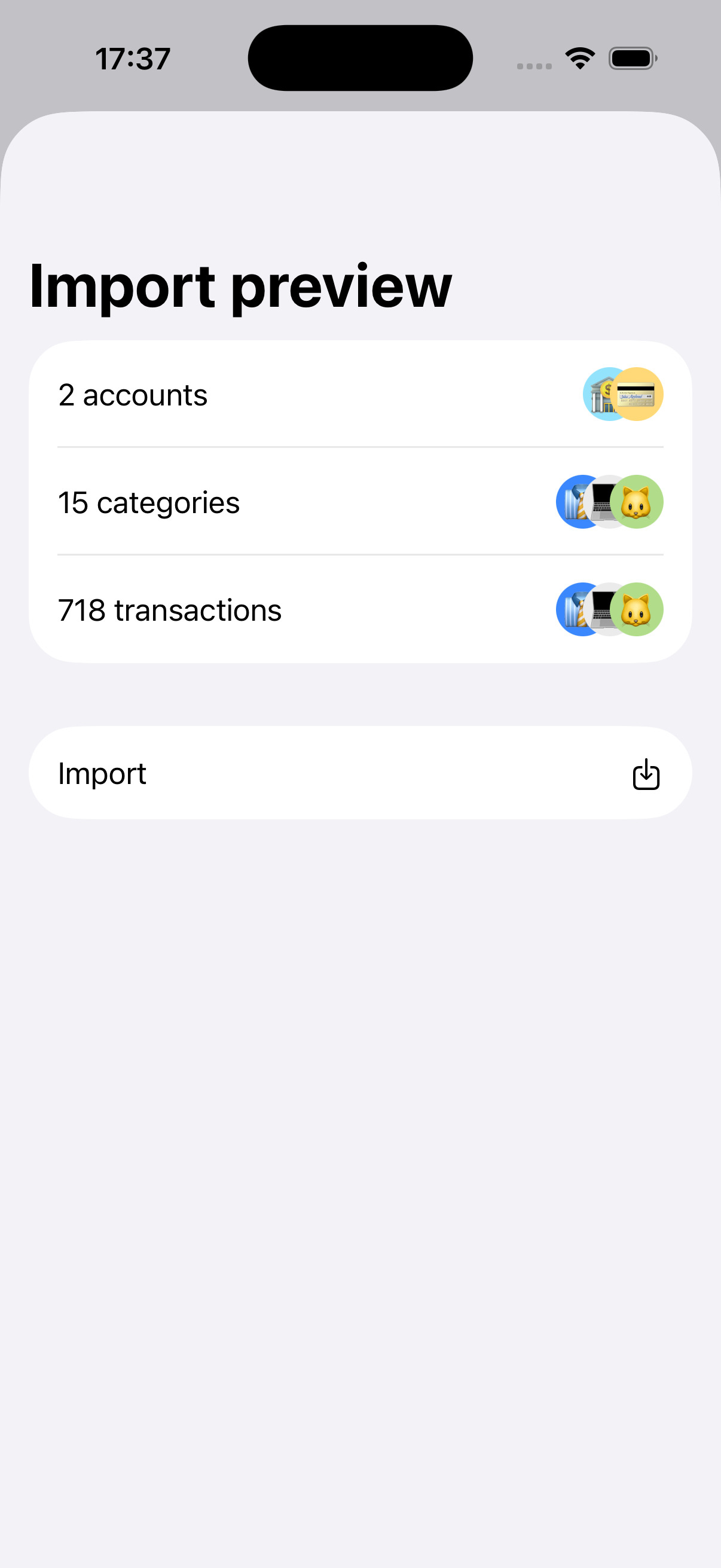
Easily back up and import your data with JSON files.

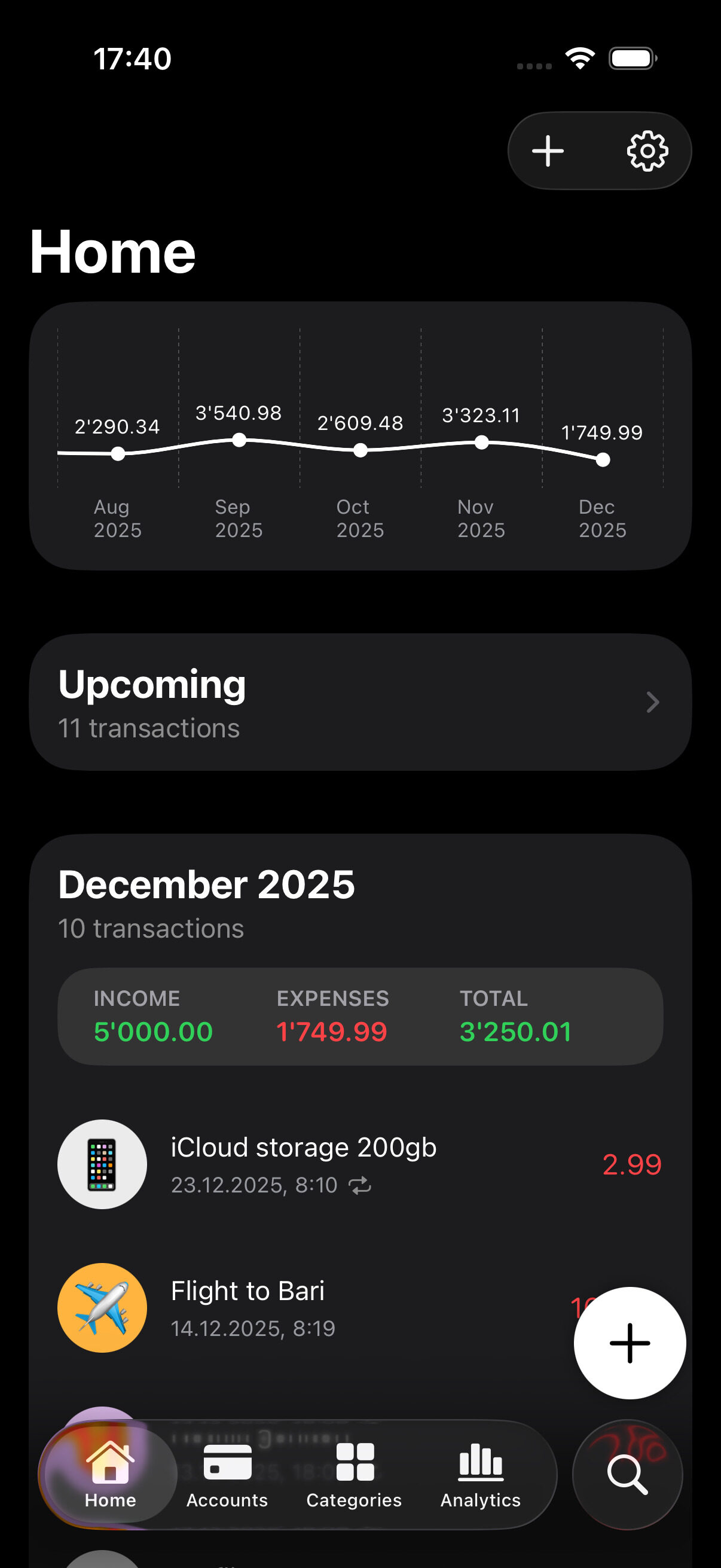
Dark Mode

Looks great day or night with full dark mode support.
iCloud Sync

Keep your data private, safe, and up to date across all your Apple devices with iCloud sync.
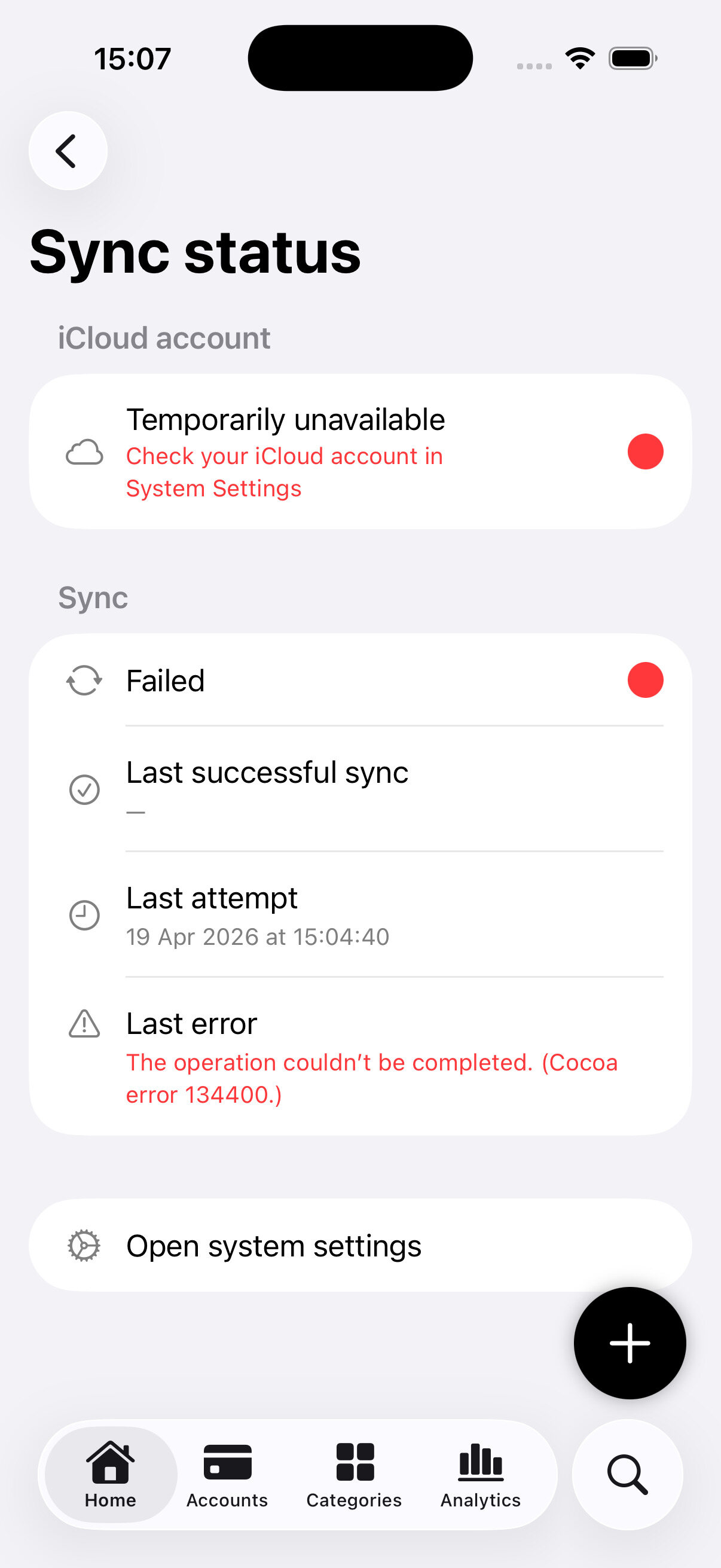
Check Sync Status
Check if the iCloud account is correctly setup and your data is being synced with a dedicated screen in the settings.